Every prompt below is written as one line, so it pastes straight into a plain prompt box and runs as it is. Each one names the aspect ratio to pick before you press generate. They are grouped by what people actually make: photos, art styles, characters, fantasy scenes, social graphics, holiday cards, pet portraits and wallpapers.
You can run any of them in the FreeGen text-to-image generator without an account. As of November 2026 it is free with no signup and no credit card, offers five aspect ratios (1:1, 4:3, 3:4, 16:9 and 9:16), runs the Z-Image Turbo model, and typically returns a 1024×768 image in under ten seconds with no watermark.
After the library comes the formula the prompts are built from, a before-and-after showing why it works, and the loop for fixing a result that is almost right.
Photorealistic prompts
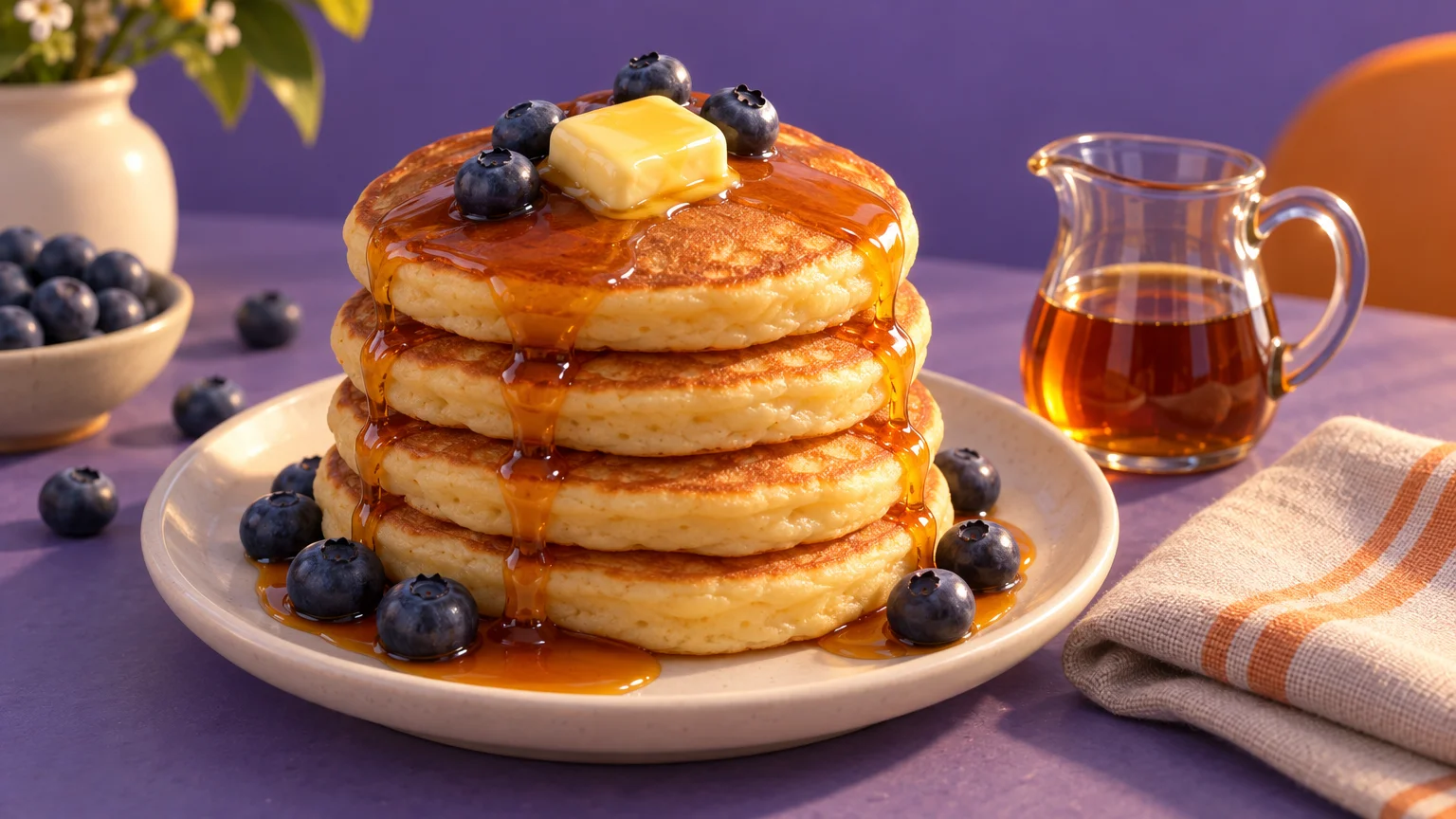
Photo prompts work when they read like a photographer's shot list: who or what, where, how close, and what the light is doing.
- Portrait, 3:4:
a 70-year-old fisherman with a gray beard mending a net on a wooden dock, documentary photograph, three-quarter body, overcast soft light, muted blue and gray tones - Landscape, 16:9:
an empty gravel road winding through golden autumn hills at sunrise, thin fog in the valleys, landscape photograph, wide shot, warm low sun, amber and soft green palette - Food, 4:3:
a stack of buttermilk pancakes with blueberries and dripping maple syrup on a white ceramic plate, food photography, 45-degree angle close-up, morning window light, warm cream tones - Product, 1:1:
a plain unbranded matte black ceramic mug on a pale oak table beside a folded linen napkin, product photo, centered close-up, soft diffused daylight, neutral beige palette - Animal close-up, 1:1:
a red fox sitting in fresh snow looking toward the camera, wildlife photograph, tight close-up on the face, sharp focus on eyes, bright catchlights, cold blue morning light
The portrait describes its subject in the first few words for a reason. Image models default to a tall, slim woman in her twenties unless you say who the person is early. For more product setups by category, see the product photo prompts.
Art style prompts
Naming the medium changes the result. The same lighthouse as a watercolor and as a product photo is a different brief entirely. Use one style per prompt; stacking several produces mush.
- Watercolor, 4:3:
a lighthouse on a rocky cliff above a calm sea, loose watercolor painting with soft bleeding edges, wide view, pale morning light, washed teal and sand colors, white paper showing through - Oil painting, 4:3:
a bowl of lemons and a copper jug on a dark wooden table, classical oil painting with visible brushstrokes, still life, single candle lighting from the left, deep brown and gold tones - Impressionist, 16:9:
a crowded Paris cafe terrace on a rainy evening, impressionist painting with dabs of color, wide street view, glowing shop lights reflected on wet cobblestones, violet and orange palette - Pop art, 1:1:
a woman in round sunglasses drinking a milkshake, pop art with bold black outlines and halftone dots, head-and-shoulders portrait, flat bright light, primary red, yellow and blue - Line art, 1:1:
a sleeping cat curled on a stack of books, minimalist single-line drawing in black ink on white, centered, plenty of empty space around it - Anime, 16:9:
a teenage girl with short silver hair riding a bicycle down a hillside street in summer, anime style, wide shot, bright afternoon sun, blue sky with tall clouds, cheerful mood
The site's plain guide to AI art shows more styles side by side if you want to see the range before choosing.
Characters and cute animals
Characters need a full-body or three-quarter instruction, because the words control the crop while the ratio controls the canvas.
- 1:1:
a tiny round hedgehog wearing a knitted green scarf holding a mug of cocoa, cute 3D render, full body, soft studio light, pastel colors, plain cream background - 3:4:
a friendly robot gardener holding a watering can in a rooftop vegetable garden, children's book illustration, full body, warm late-afternoon light, soft greens and oranges - 1:1:
a baby dragon with stubby wings sitting inside a teacup, cute digital illustration, close-up, soft morning light, mint and peach palette - 3:4:
an elderly wizard with a long white beard reading a glowing book in a cluttered tower study, fantasy character art, three-quarter body, candlelight, deep purple and gold
Fantasy and sci-fi scenes
Concept scenes reward a wide frame and one clear focal point. Give the eye somewhere to land: a village, a figure, a flower.
- 16:9:
a floating island with a waterfall spilling into the clouds and a small stone village on top, fantasy concept art, wide establishing shot, golden hour light, dreamy atmosphere - 16:9:
a rainy street market in a future megacity with food stalls, hovering drones and unlettered glowing signs, sci-fi concept art, eye-level wide shot, magenta and cyan glow, moody - 16:9:
an astronaut kneeling to look at a single blue flower on a red desert planet, cinematic sci-fi scene, wide shot, low sun, rust and blue palette, quiet mood - 9:16:
an enchanted forest path lined with glowing mushrooms, fantasy illustration, vertical composition, soft blue moonlight, mist between the trees, mysterious mood
Posters, thumbnails and social posts
For anything that will carry a headline, ask for empty space where the words will go and add the text afterwards in your editor. The composition clause decides where that space lands.
- Poster, 3:4:
a vintage travel poster of a mountain lake with a red canoe, flat screen-print illustration, bold simple shapes, large empty sky in the top third for a title, teal, orange and cream palette - Video thumbnail, 16:9:
a surprised young man holding a giant slice of pizza, bright studio photo, waist-up on the right side of the frame, empty solid yellow background on the left, high contrast - Ad with room for copy, 1:1:
an unlabeled glass bottle of iced lemon tea on a sunny beach towel beside sunglasses, lifestyle product photo, bottle in the lower right, clear sand and sky on the left for a headline, bright midday light - Story or Reels cover, 9:16:
a cozy reading nook with a wool blanket, fairy lights and a steaming mug, lifestyle photo, vertical framing, plain wall in the upper half for text, warm evening light
Profile banners have their own odd shapes and safe zones. The site has size guides with prompts for the X header, the LinkedIn banner and the Facebook cover.
Short text on a sign
Keep text to one or two words, in quotation marks, on a physical object. Longer phrases come out as convincing nonsense.
- 4:3:
a wooden sign reading "BACK SOON" hanging on a plain office wall, photograph, centered close-up, soft daylight - 3:4:
a chalkboard easel outside a bakery with the word "OPEN" written in white chalk, street photograph, close-up, morning light - 16:9:
a pink neon sign that says "HELLO" glowing on a dark brick wall, photograph, straight-on view, soft neon glow
The examples gallery has a cat made of stones holding a readable sign, with its full prompt shown. For lettering as the main subject, such as quotes, neon and hand lettering, see Words Into Art.
Holiday and seasonal prompts
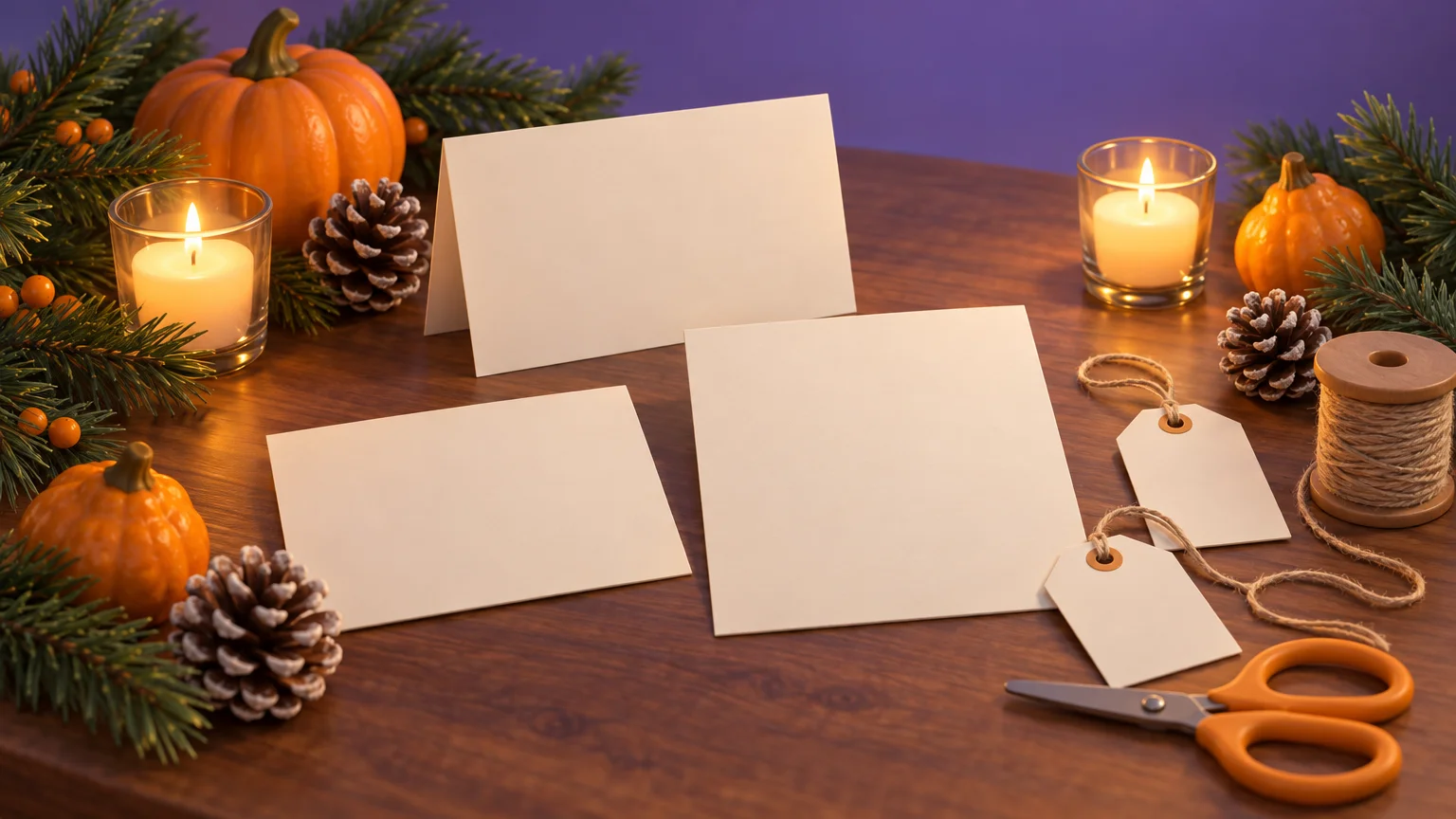
Thanksgiving is next week, and card and party season follows. For a card, generate in 3:4 and leave room for handwriting. For a wide social cover, use 16:9.
- Thanksgiving pet, 3:4:
a golden retriever sitting beside a harvest table with candlelight, small gourds and autumn leaves, warm portrait photo, three-quarter view, soft candle glow, rust and gold tones - Thanksgiving card, 3:4:
a rustic table set for Thanksgiving dinner with a roast turkey, pumpkins and a pie, overhead photo, warm evening light, empty linen tablecloth at the bottom for a message - Christmas card, 3:4:
a cartoon penguin in a Santa hat in a snowy landscape, cute illustration, full body, soft winter daylight, white and red palette, open snow in the lower half for handwriting - Funny office Christmas, 16:9:
an office break room buried in tinsel with a lopsided Christmas tree, photograph, wide shot, fluorescent light mixed with fairy lights, funny festive mood - Winter holiday card, 4:3:
a snowy village street at dusk with warmly lit windows and pine trees, storybook illustration, wide view, deep blue sky, soft gold light, calm mood - Holiday cover, 16:9:
pine branches, wrapped gift boxes and falling snowflakes along the bottom edge, festive flat illustration, deep red, green and gold, open dark green space across the center - Cozy winter pet, 1:1:
a cat in a red knitted sweater sitting by a frosted window, cozy photo, close-up, sharp focus on eyes, cool blue window light with warm lamp glow - New Year pet, 1:1:
a puppy in a gold party hat surrounded by falling confetti, festive photo, close-up, golden bokeh lights behind, sparkling mood - New Year's Eve, 3:4:
a woman in her forties in a bias-cut black satin slip dress at a dim hotel bar on New Year's Eve, fashion photograph, three-quarter body, warm low amber light, glamorous mood
Pets, wallpapers, cards and kids' characters
These are the everyday ones: something for your phone, the fridge, or a relative's birthday.
Your own pet as a painting
A pet portrait redraws your actual animal, so start from a photo of it. Upload the photo with the Image Prompt button on the generator. That runs image-to-image: it keeps the structure of your reference image and changes what you describe, so the prompt describes the change, not the whole scene. Say what stays first and what changes second.
- Royal portrait, 3:4:
keep the same face, same markings and same pose; repaint as a royal oil portrait wearing a velvet cape and gold collar, dark painted background, soft window light - Watercolor, 1:1:
keep the same face and markings; turn into a loose watercolor painting on white paper, soft pastel washes - Pencil sketch, 3:4:
keep the same face and markings; turn into a detailed graphite pencil sketch on cream paper, soft shading - Pop art, 1:1:
keep the same face and markings; turn into pop art with bold outlines, halftone dots and a bright pink background - Storybook, 4:3:
keep the same face and markings; turn into a children's storybook illustration in a sunny meadow, gentle colors
If your dog has a white patch over one eye, say which eye. Naming left or right keeps markings from wandering.
Wallpapers
A phone wallpaper wants 9:16 with the top third fairly plain, so the clock does not cover the image. Desktops take 16:9.
- Phone, 9:16:
a calm pink and lilac sunset over a still lake with a small pine island low in the frame, soft plain gradient sky across the top third, photograph, serene mood - Desktop, 16:9:
a minimal desert dune landscape at dusk with one long curving ridge, wide photograph, soft peach and lavender light, simple uncluttered composition
The funny backgrounds collection has more, including video-call backdrops.
Birthday cards and kids' characters
- Birthday card, 3:4:
a pile of colorful balloons and a frosted cake with lit candles on a pastel table, cheerful watercolor illustration, open white space at the top for handwriting - Kids' character, 3:4:
a smiling purple monster with three eyes and tiny horns waving hello, friendly cartoon for a children's book, full body, bright flat colors, plain white background
The formula behind every prompt
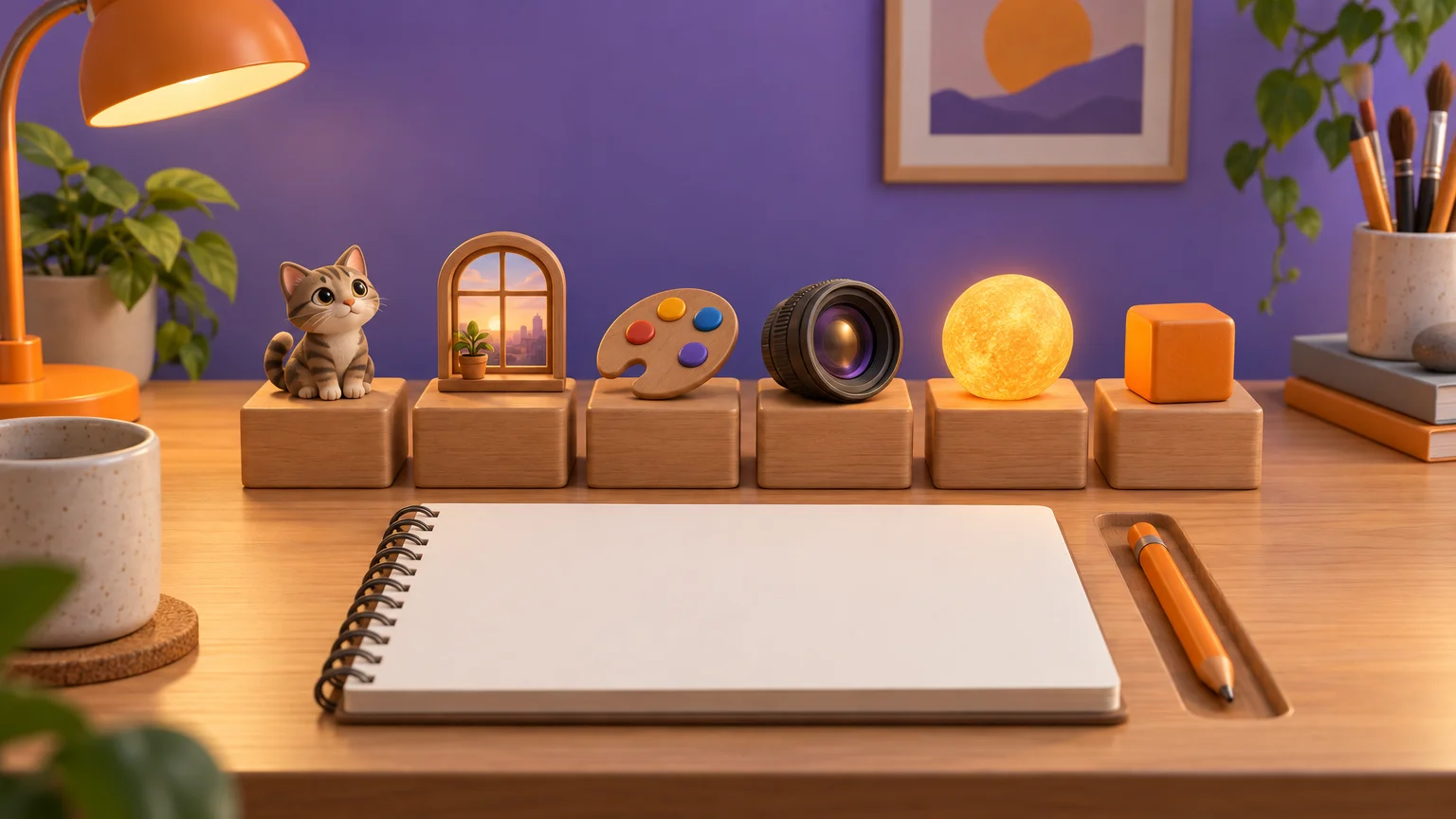
Every line above follows the same order. Fill in the slots and you can write your own:
[subject], [action and setting], [style or medium], [framing], [lighting], [color and mood], [short avoid clause]
Start with the subject, the one thing the model cannot guess, and use a concrete noun: "a ginger tabby", not "a pet". Then the action and setting: what it is doing and where. Without a setting you get a generic studio backdrop. The style or medium comes next (photograph, watercolor, oil painting, 3D render, line art, anime), and you pick one.
Framing means close-up, three-quarter body, full body, wide shot or overhead, and it is also where you reserve space for text. For lighting, name the time of day and the source: window light, candlelight, low sun. Light is what makes a flat image believable. Round off the look with color and mood: two or three named colors and one mood word.
The format on FreeGen is the ratio selector, set before you generate, not a word in the prompt. Remember that 9:16 and 16:9 are different framings, not crops of each other, so phrases like "vertical composition" help the scene fit.
Last comes the avoid clause. There is no separate negative-prompt box, so exclusions go in the sentence. Phrase them as what you want instead: "plain unbranded mug", "empty road", "blank wall". Most models follow positive instructions better than a list of things to leave out.
Quick ratio guide for the five options:
| Ratio | Good for |
|---|---|
| 1:1 | Instagram grid, Pinterest tile, avatars, tight close-ups |
| 4:3 | Seated poses, wider scenes where the setting matters |
| 3:4 | Three-quarter figures, printable cards, posters |
| 16:9 | Desktop wallpapers, thumbnails, blog banners, slide backdrops |
| 9:16 | Phone lock screens, stories, Reels covers, full-length figures |
Why the written version beats "beautiful, 8k"
Here is a lazy prompt:
beautiful cat, 8k, best quality, masterpiece, ultra detailed
And a written one, 1:1:
a ginger tabby cat curled on a sunlit windowsill, photograph, close-up, soft morning light through lace curtains, warm cream and amber tones, peaceful mood
The first gives the model almost nothing to work with. "Beautiful" is a judgement, not a description, and quality tags like "8k" or "hyperrealistic" add little. The model still has to guess the breed, the pose, the room, the light and the colors, so it falls back on an average cat in average light. The second makes each of those decisions for it. As Let's Enhance's prompt guide puts it, a keyword list padded with "8k, best quality" is weaker than a descriptive sentence. A specific time of day does more than any resolution word.
A flat or generic result is almost always a prompt problem, not a model problem. Before blaming the tool, check which slot of the formula you left empty.
Quick fixes for common failures
Garbled hands. Hands near objects often fail. Move them away from the object, or frame the shot so they are out of view.
Nonsense lettering. Cut the text to one or two words in quotes on a sign, or leave it out and add it later.
Muddy style. You probably stacked aesthetics. Keep one.
The wrong person. Describe age, build and appearance in the first few words.
Refused or off-target. Don't name a real celebrity, a designer label or a brand logo. Describe the look instead. For a logo of your own, the logo prompts guide covers what works.
Generate, change one thing, repeat
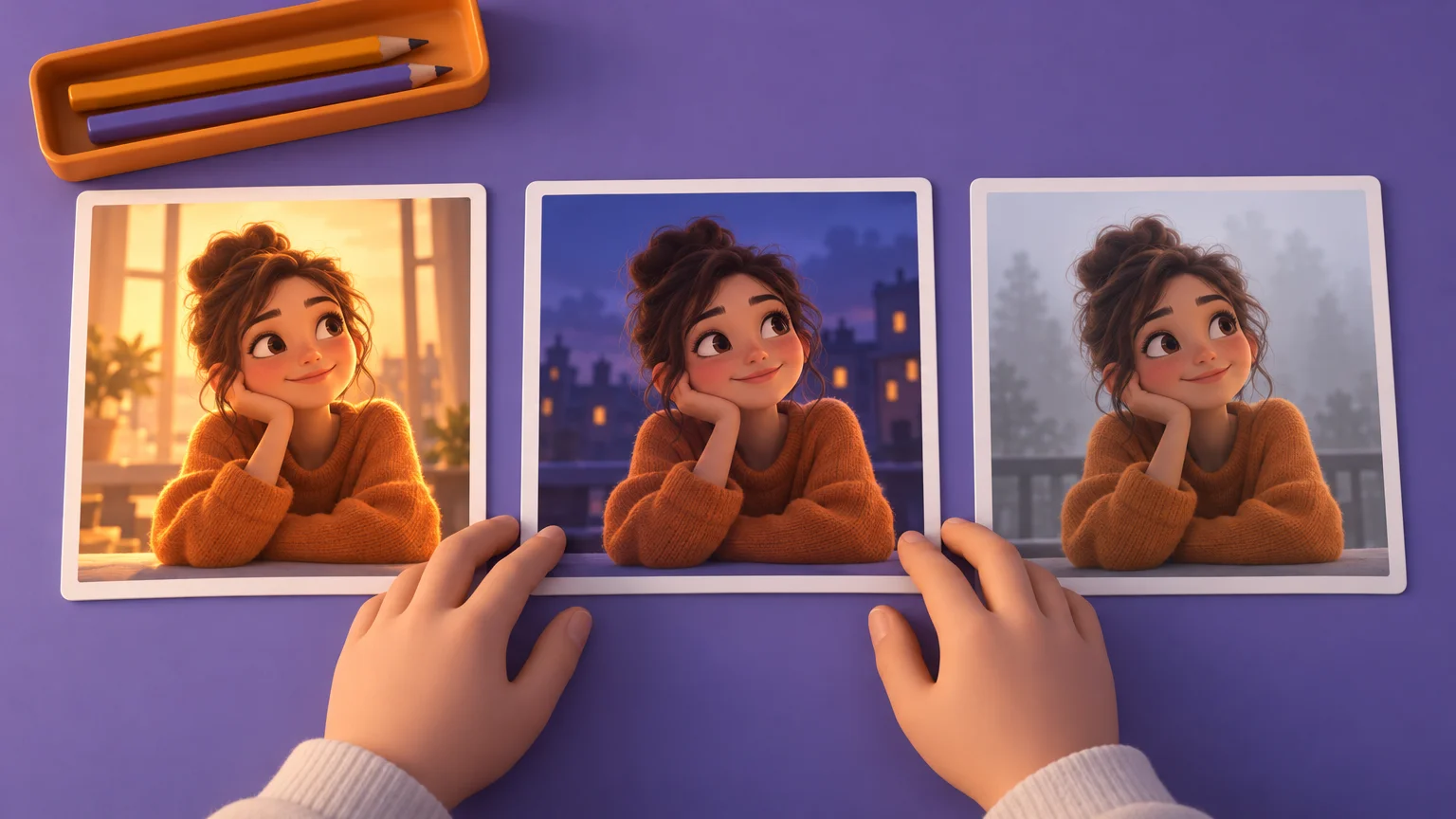
The fastest route to the image in your head is small, controlled steps:
- Paste the prompt, pick the ratio and generate.
- Decide what is most wrong. Only one thing.
- Keep the prompt identical, character for character, and change exactly one clause: the light, the color, or the framing.
- Generate again and compare.
Rewriting the whole prompt every round throws away what was already working. Because there is no seed control, two runs of the same prompt will not be pixel-identical. To hold a result steady, download the best version and feed it back through Image Prompt as the reference, then change one attribute. When likeness matters, such as a face, a pet or a room, write "same face, same pose, same background". Otherwise the model redraws the whole frame.
For the background on how these models turn words into pictures, see how AI image generators work.
Frequently Asked Questions
Can I print a holiday card made from these prompts?
At 1024×768 the image suits social posts and screens, but not a print. A 5×7 inch card needs about 1500 × 2100 pixels at the 300 PPI commonly used for close-up prints, according to Coursiv. Run the image through the free upscaler linked from the FreeGen home page first. Upscaling enlarges the image but does not add detail the prompt never produced.
How long should a prompt be?
Long enough to fill the slots of the formula, which is usually one sentence.
Where do I put things I don't want in the picture?
In the same sentence, near the end, phrased as what you want instead. "Plain cream background" works better than listing objects to leave out. "Unbranded bottle" works better than "no logo".
Final Thoughts
If you are not sure where to start, open the examples gallery. Each image there sits beside the exact prompt that made it. Find the one closest to what you want, copy its prompt, and swap in your own subject. Then change one clause at a time until it is right.