You can make good AI product photos for nothing, as long as you use them for the right jobs. Lifestyle scenes, social posts, ad backgrounds, mood shots and concept images can come entirely from a text prompt. Your main listing image, and anything that shows your real label, logo or packaging, should still be a photo of the actual item, either shot plainly or cut out and placed onto an AI-made scene.
That split matters more than which tool you pick. An AI model has never seen your product. Ask it for "my lavender soap bar" and it will draw a plausible lavender soap bar, not yours, and a buyer who receives something different from the picture has a fair complaint.
Every prompt below can be pasted into FreeGen, our free text-to-image generator. There is no signup, no watermark, and you get commercial rights to what you make. The rest of this guide works with any generator.
What a $0 budget actually gets you
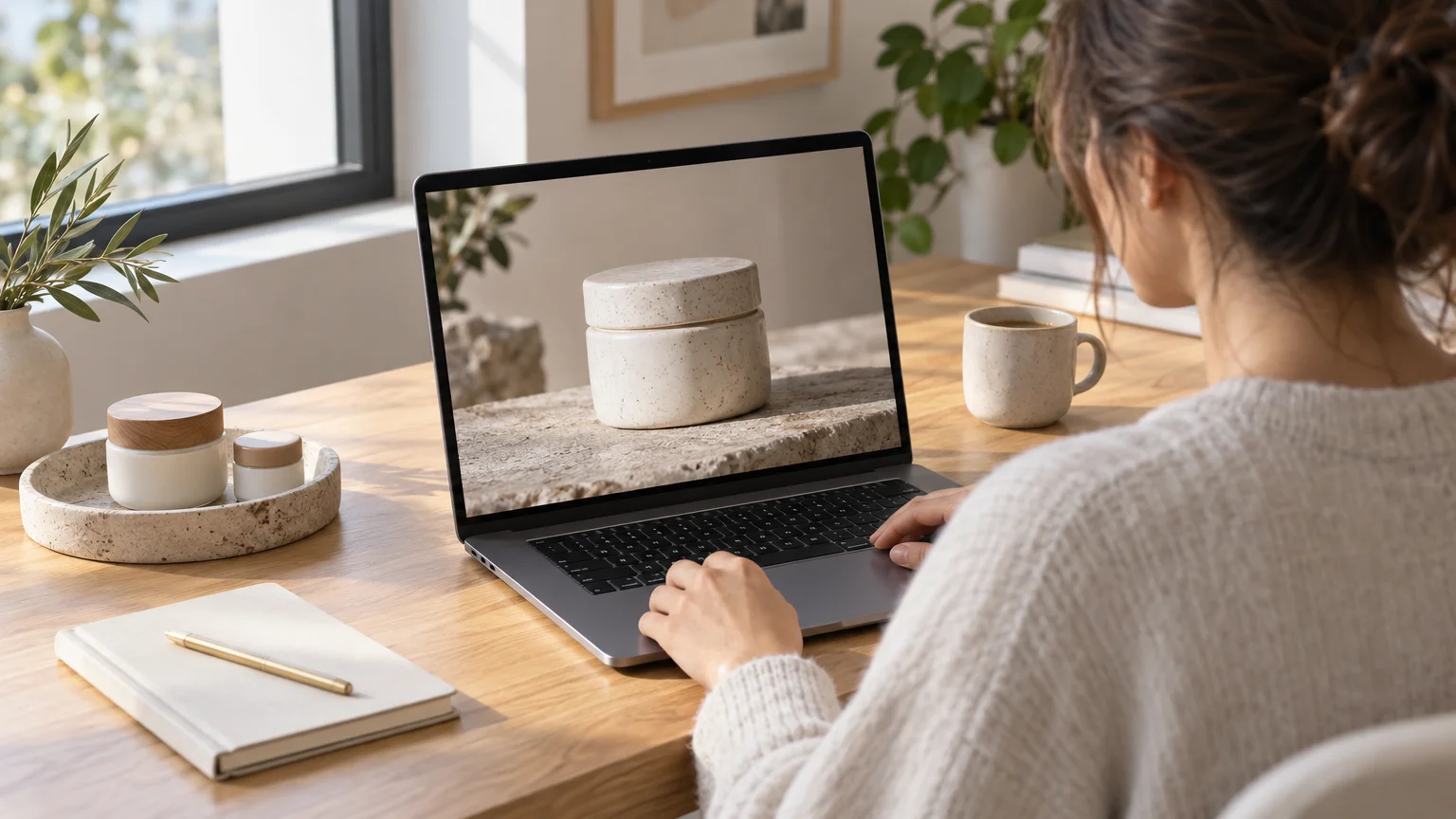
Most "free" product photo tools are trials. Their free tiers are capped or time-limited, and a watermarked or non-commercial licence, like Photoroom's, means you can't use the image in a listing or ad. Here is what the free tiers looked like as of November 2026, based on the figures published in Shopify's guide and WizCommerce's roundup, plus our own About page.
| Tool | What the free tier gives you | Paid plans from |
|---|---|---|
| FreeGen | No signup, no watermark, commercial use allowed, no fixed image cap (rate limiting for abuse only) | No paid plan |
| Photoroom | 250 exports a month, watermarked, no commercial use | $7.50/month |
| Magic Studio | Up to 20 images a month | $12/month |
| Nightjar | A limited free version | $25/month |
| WizStudio | 5 credits for 15 days | $250 for 12 credits over 16 days |
| Snapshot | No free tier; pay per image | $0.45 per photo |
Prices checked November 2026.
The trade-off is honest. Paid product tools are built around uploading your photo and swapping its background, and some output larger files. Claid.ai, for instance, goes up to 2048×2048. A general text-to-image generator like ours makes images at 1024×768 in about ten seconds, and it does not cut your product out of a photo. For scenes, backgrounds and social creative, the free route covers most of what a small shop needs. The savings add up. Shopify cites a MindStudio case study where an image averaging $175 from a traditional shoot could be generated for 50¢ to $2.
At $0 you get unlimited scenes, with rate limiting only to stop abuse. The About page explains how generation stays free. Prompts and images are deleted right after generation, so save anything you want to keep.
What to generate and what to photograph
The rule of thumb is simple. If a buyer would rely on the image to know exactly what arrives in the box, it must show the real thing. If the image sets a mood, it can be generated.
Safe to generate entirely with AI:
- Lifestyle and mood shots where the product is generic or implied: a cosy breakfast table for a coffee brand, a sunlit bathroom shelf for a skincare line.
- Backgrounds and empty scenes you will place your real product into.
- Social posts, story backgrounds, ad banners and seasonal promos.
- Concept images for a product you haven't made yet, so you can test interest or brief a photographer.
Needs the real product:
- The main listing image on any marketplace.
- Anything that shows your label, logo, packaging text or exact colourway.
- Size, fit and detail shots that buyers use to decide.
A Stylitics finding cited by Shopify says 71% of shoppers can't reliably tell AI product photos from professional ones. That cuts both ways. Buyers will trust a realistic AI image, so it had better not promise something your product doesn't deliver.
Prompts by product category
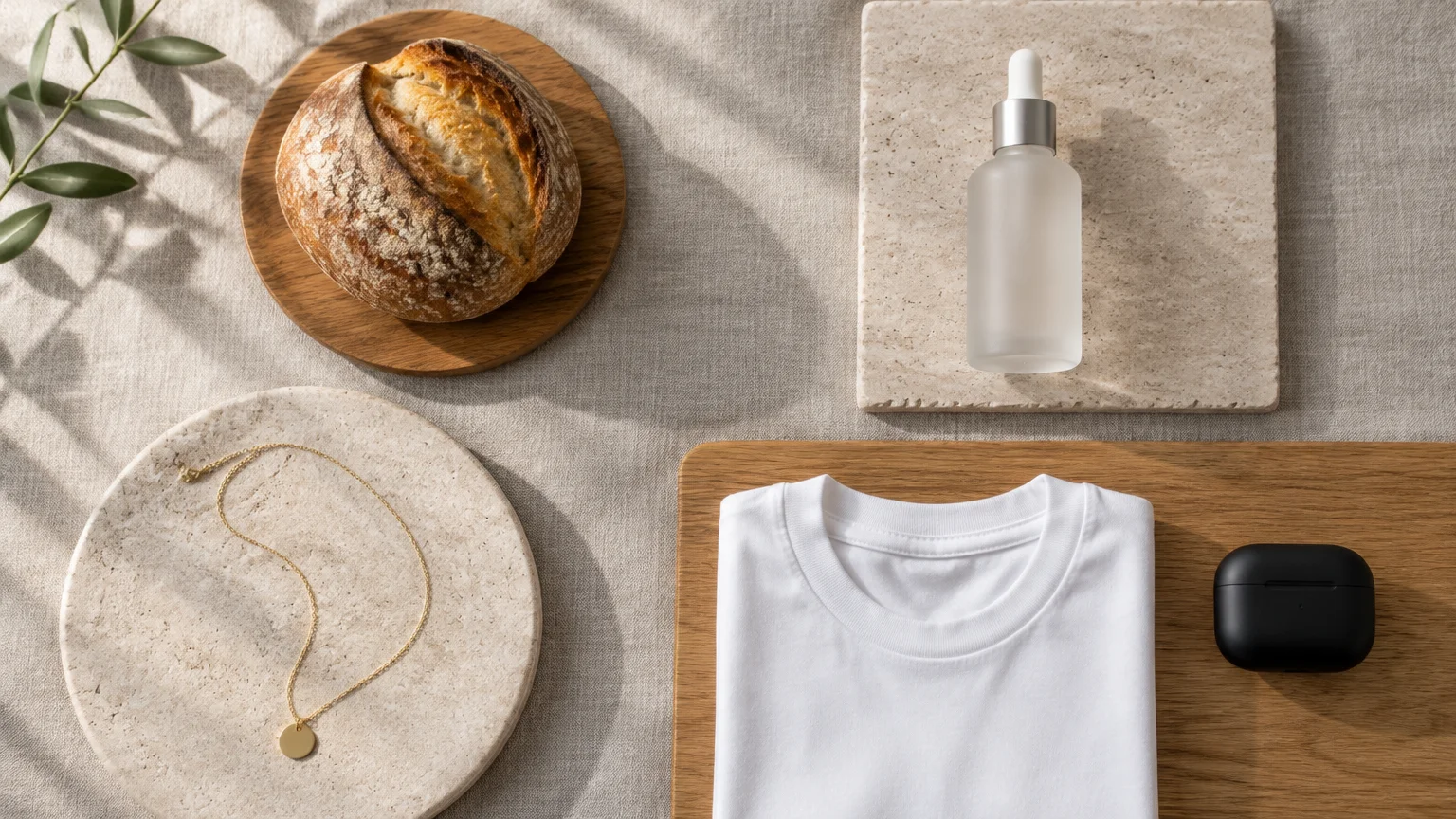
A product prompt works best when it names five things: the product type, the surface it sits on, the light, the camera framing and the mood. Leave brand names and label text out. The model will garble them, and you will add the real ones later. Each prompt below is copy-ready. Swap the bracketed parts for your own.
If you want to see how a finished prompt reads before you write your own, our examples gallery shows the full prompt beside each image, including product-style shots like strawberries on a dark background and a berry chocolate tart.
Food and drink
Rustic artisan sourdough loaf on a floured wooden board, morning window light from the left, shallow depth of field, a linen cloth and a butter knife beside it, warm tones, professional food photography
Iced coffee in a tall clear glass with condensation, on a pale marble counter, soft natural daylight, coffee beans scattered in the foreground, overhead three-quarter angle, clean minimal styling
Food is the easiest category for AI. Nobody expects a lifestyle shot to be the exact loaf they will receive. Keep plated dishes in the generated image, and put your packaged product into it with the composite method below.
Cosmetics and skincare
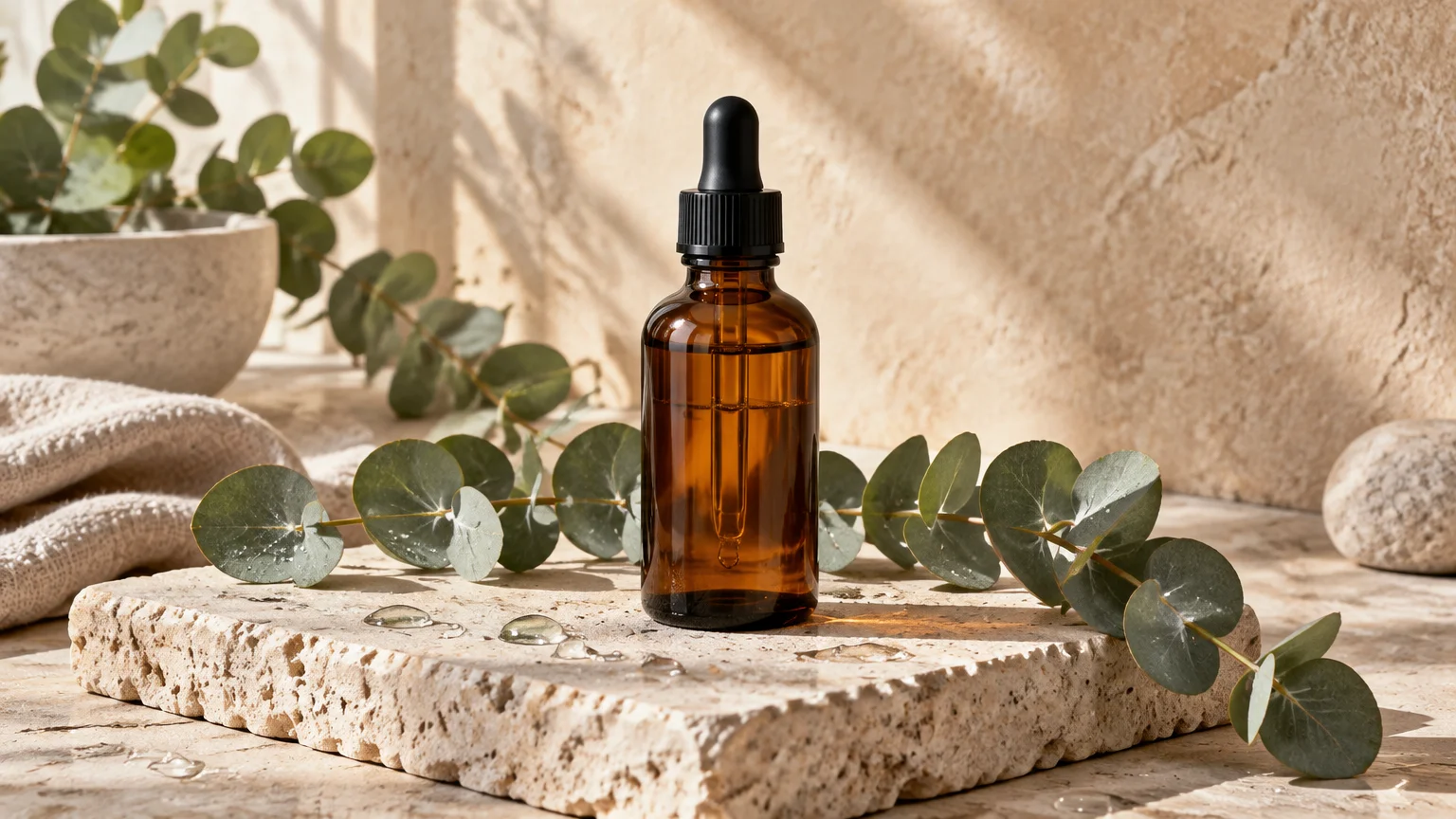
Unlabeled frosted glass serum bottle with a dropper, standing on a wet stone surface, eucalyptus leaves around it, soft diffused light, spa atmosphere, muted sage and cream colours, studio product photography
Empty bathroom shelf with folded white towels, a small potted plant and a ceramic dish, soft morning light, clean space in the centre for a product, neutral beige palette
Writing "unlabeled" keeps the model from inventing a fake brand. The second prompt gives you a stage with room for your own bottle.
Jewelry
Delicate gold chain necklace draped over a smooth grey river stone, dark velvet background, single soft spotlight, macro detail, elegant and minimal, luxury jewelry photography
Open vintage wooden jewelry box on a dressing table, silk scarf and dried roses beside it, warm evening lamp light, blurred background, empty space in the front for a ring
Jewelry detail is where AI goes wrong. Stone counts, clasp shapes and chain links get invented. Use generated jewelry only for mood and banner images. Photograph the actual pieces for the listing.
Apparel
Plain white cotton t-shirt folded neatly on a light oak bench, potted fern in the background, soft daylight, flat clean styling, minimalist clothing brand photography
Wooden clothing rail with neutral linen garments on hangers, whitewashed brick wall, natural light from a large window, calm boutique atmosphere
These work for collection banners and posts. For anything worn, see the note on AI-generated people under the marketplace rules. It changes what you have to do on Amazon.
Electronics
Sleek wireless earbuds in an open charging case on a dark slate desk, subtle blue rim light, a laptop and a notebook softly blurred behind, modern tech product photography, clean reflections
Empty modern desk setup at night, warm desk lamp, a keyboard and a plant, moody low light, clear space on the left side of the desk for a product
Electronics have ports, buttons and logos that buyers check closely. Use the first prompt for concept or ad creative. Use the second as a background for your real device.
Matching the frame to where the image goes
Pick the aspect ratio before you generate, not after. Cropping a finished image loses the composition you prompted for. Choose a vertical ratio for stories and pins, a wider one for banners and website headers, and something closer to square for feed posts. If the image is going on a social profile, our guides to the Facebook cover safe zone and the LinkedIn banner show where the text gets covered.
Keeping labels and logos accurate: generate the scene, add the real product
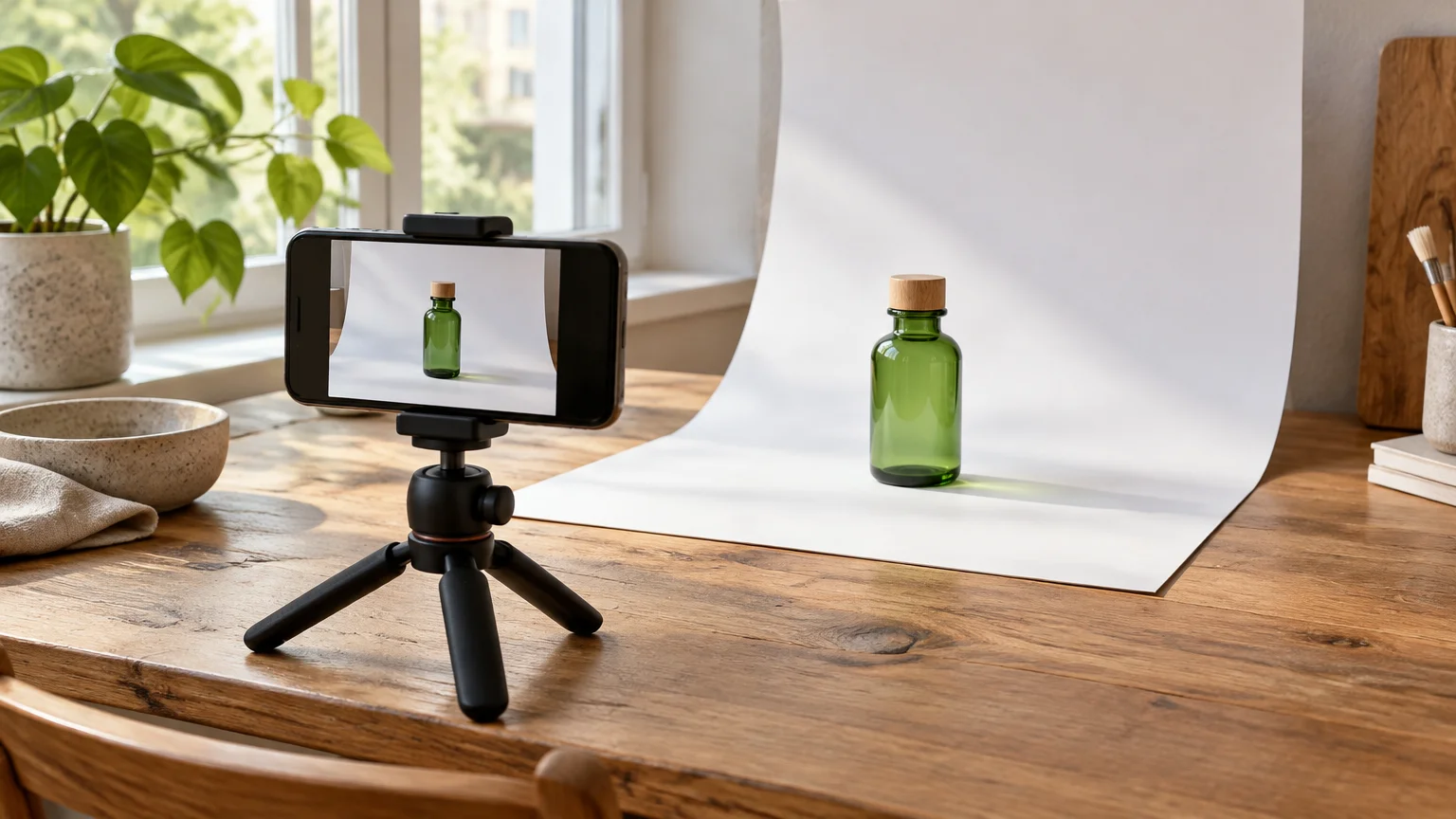
AI models draw text as shapes that look like letters. That is why your brand name comes back misspelled or melted, and why WizCommerce notes that logos get distorted even in paid tools. More attempts won't fix it. The fix is to stop asking the model to draw your product at all.
The composite method takes four steps:
- Photograph your product plainly. Use a phone, daylight from a window and a plain sheet of paper behind it. Shoot from the angle your scene will need, at roughly the height a camera would sit in that scene.
- Cut it out. Run the photo through any background-removal tool to get the product on a transparent background. This is the one step FreeGen doesn't do.
- Generate an empty scene. Use a prompt that leaves room, such as "clear space in the centre" or "empty surface in the foreground". Match the light direction to your product photo. If your bottle was lit from the left, write "light from the left".
- Layer and ground it. Place the cutout on the scene in any layered image editor. Add a soft shadow underneath so the product sits on the surface instead of floating.
Your label stays exactly as printed, because it is a real photograph. The AI only supplies the marble, the eucalyptus and the morning light.
You can also upload your product photo as a reference image and use image-to-image to get a scene in a matching style and palette. Treat that result as a backdrop or a mood sample. The model redraws whatever you give it, so your label will be reinterpreted, not kept.
Marketplace and legal rules to know first
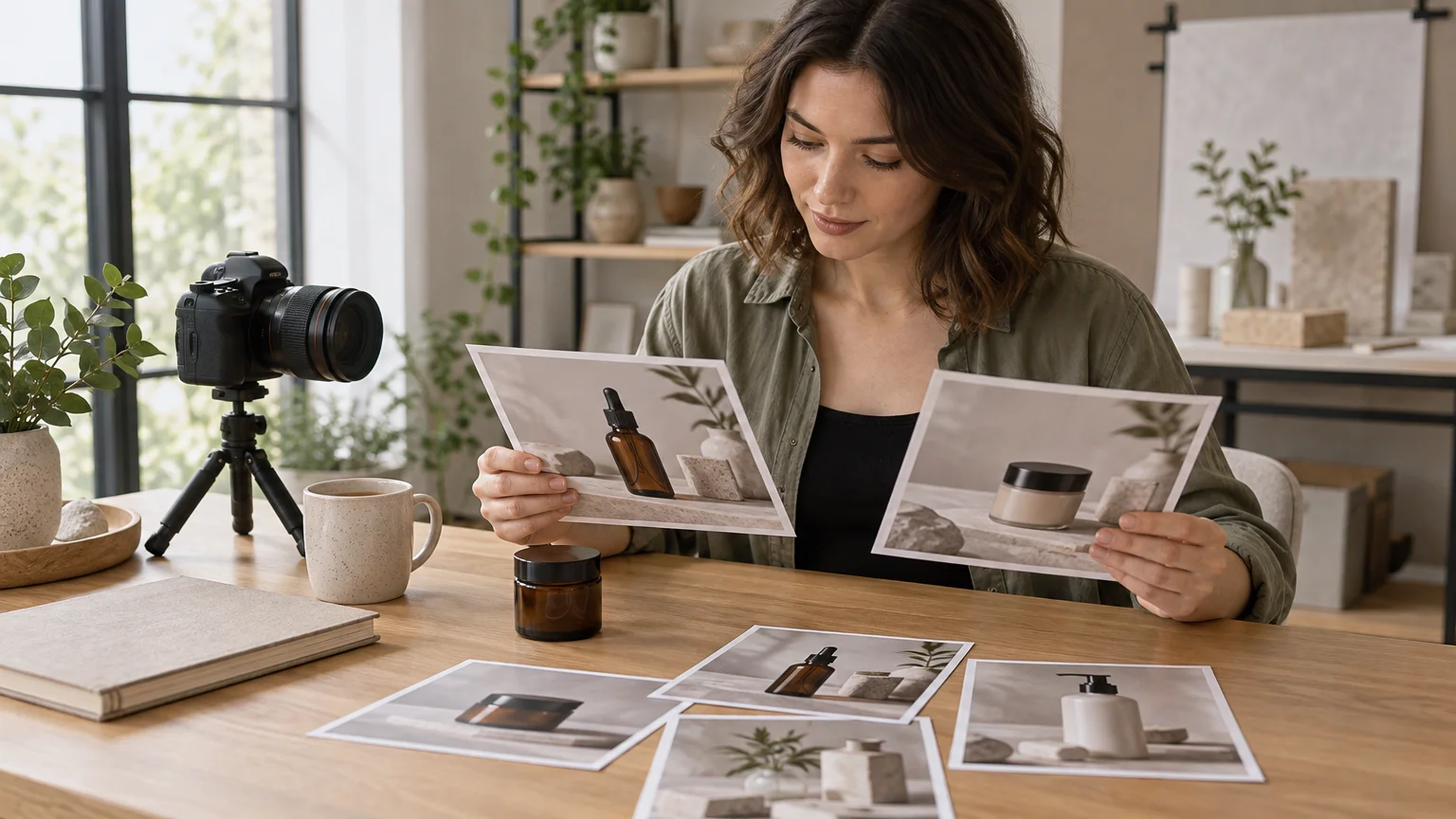
The rule most sellers have missed concerns people, not products. In July 2026, Amazon announced that sellers must identify listing images and A+ Content containing photorealistic AI-generated people, according to ecomclips. Its guidance says compliance has been mandatory since June 6, 2026, across Amazon's worldwide stores.
As of November 2026, the requirement worked like this:
- You add the keyword
contains-synthetic-performerto the image's dc:subject (XMP) field, using an IPTC-compatible metadata editor. - Images made inside Amazon's own A+ generative tools, such as Creative Studio, are tagged automatically. Images you make elsewhere are not.
- Amazon's moderator guidance warns that non-compliant media may be removed, and that repeated problems could lead to account enforcement.
- CNBC reports that the rule doesn't cover TV, video game and movie characters, or real people altered with AI.
The rule follows New York's synthetic-performer law, which took effect on June 9, 2026 and carries civil penalties. It defines a synthetic performer as digitally created media that gives the impression of a human performance by a figure who isn't an identifiable real performer. The simple way to avoid the paperwork is to keep people out of your generated shots. Every prompt above does that.
Beyond that one rule, CNBC notes there is no US federal law requiring disclosure of AI-created advertising content. Meta, TikTok, Pinterest and YouTube have added their own AI labels, though, so expect platform tags on ads.
The bigger legal risk is the old one: misleading buyers. The FTC's guidance on AI, summarised by Harvard's Journal of Law & Technology, sets out five principles centred on protecting consumers from deception, unfairness and bias. An AI image that shows a richer colour, a bigger size or a feature your product lacks is a deceptive picture, whatever made it.
Marketplace image rules for main photos change often. Before you upload, read the current image requirements in your Amazon Seller Central, Etsy or eBay account. Ownership of AI output is a separate question, and our logo guide's section on copyright and commercial use walks through it.
Frequently Asked Questions
Can I use an AI-generated image as my main Amazon listing photo?
Not if the AI drew the product itself. The main image is what buyers rely on to know what they receive, so it should be a photo of your actual item. Check Amazon's current main-image requirements in Seller Central. Use AI for secondary lifestyle images and for backgrounds you composite your real product onto.
Do I have to label AI product photos?
On Amazon, you must tag images that contain photorealistic AI-generated people with the contains-synthetic-performer keyword, as of November 2026. There is no US federal law requiring disclosure of AI advertising in general. Social platforms may add their own AI labels to your posts and ads.
Can AI recreate my exact product from a description?
No. A text prompt produces a plausible version of the category, not your item, and it will invent details like label text, stitching or button layout. For an exact product, photograph it and place it onto a generated scene.
Do shoppers notice when product photos are AI-made?
Often they don't. Stylitics data cited by Shopify found 71% of shoppers can't reliably tell AI product photos from professional ones. That is exactly why the image must be honest about the product.
How much cheaper is this than a photo shoot?
A MindStudio case study cited by Shopify put a traditional product image at about $175 on average, against 50¢ to $2 when generated. With a free generator, the scene itself costs nothing. Your remaining cost is your time and any cutout tool you choose.
Is 1024×768 big enough for product images?
It works well for social posts, stories, ads and website sections. Marketplaces that offer zoom on listing images expect larger files, and that is one more reason to use a real photo for the main image. If you need a larger version of a generated scene for a banner, upscale it before layering your product on top.
Can I show a model wearing or holding my product?
You can generate one, but on Amazon a photorealistic AI person triggers the synthetic-performer tagging rule. Elsewhere, a generated hand or face can look slightly wrong, and buyers notice. Product-only scenes are simpler and carry no tagging obligation.
What should I avoid putting in a product prompt?
Leave out brand names, label text, slogans and real trademarked products. The model will distort the text, and you don't want another company's logo in your ad. Describe the product type, the surface, the light and the mood instead.
Final Thoughts
AI product photos earn their place as the stage, not the star. Generate the surfaces, light and mood freely. Keep your real product, with its real label, at the centre of anything a buyer relies on, and keep AI-made people out of Amazon listings unless you're ready to tag them.
If you want to try the prompts above, paste one into FreeGen and you'll have a scene in about ten seconds. No account needed. Then browse the examples gallery to see more full prompts you can adapt for your shop.