Every funny background list points at the same dozen pictures. Krisp's round-up of funny Zoom backgrounds names SpongeBob's living room, the Iron Throne and the MGM lion among its picks. They are funny once. By the third standup, somebody else on the call has the same one, and none of them is your joke.
The alternative is to make the background. Type a description, pick the shape, wait a few seconds, download. The free AI image generator on this site does text-to-image with no signup and no account, outputs at 1024×768, and lets you choose the aspect ratio before you generate — which matters more than most people expect, for reasons below.
What follows is prompt text you can paste as-is, the framing rules that decide whether anyone can see the gag past your head, the specs for calls, phone wallpapers and slide decks, and a straight answer on what is safe to show a client or a manager.
Pick the shape before you generate, not after
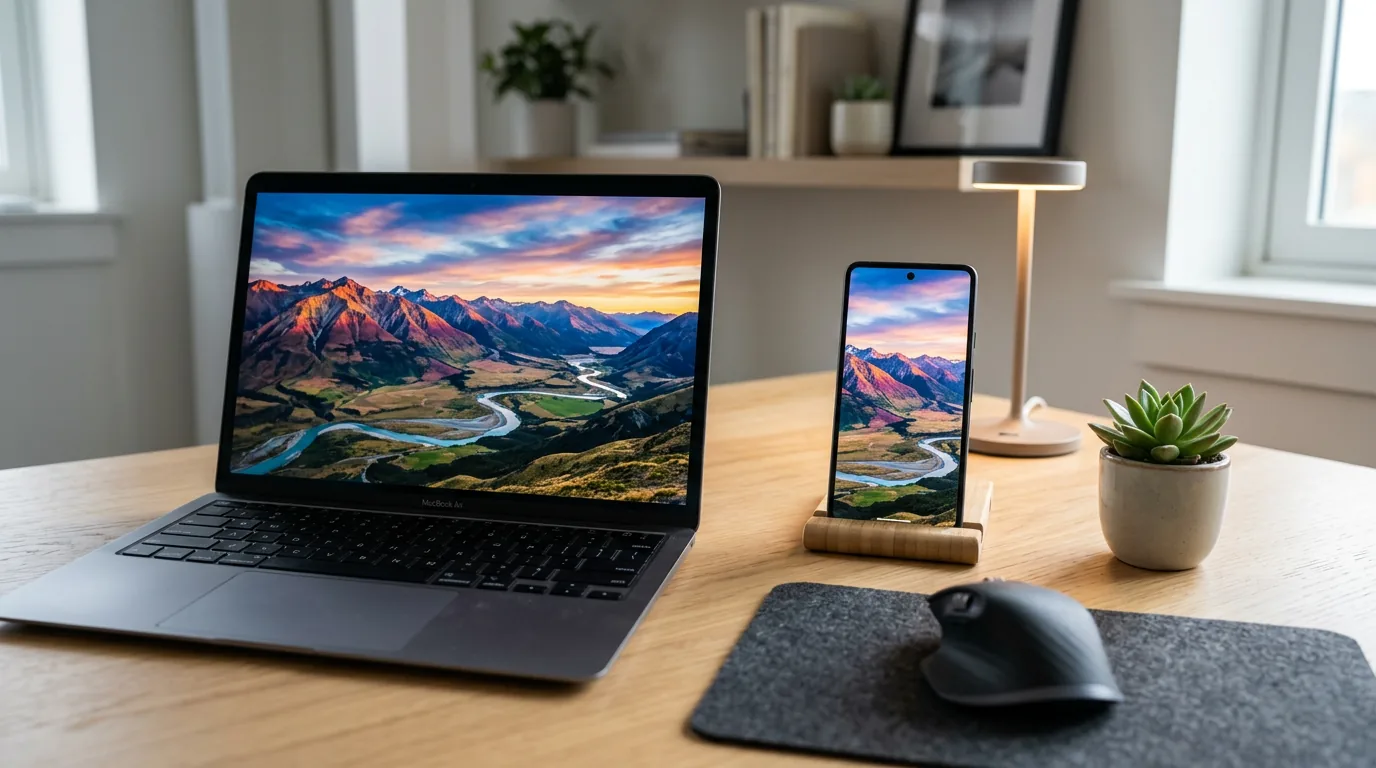
Cropping a square image into a widescreen background is how you lose the punchline. Decide the shape first.
- 16:9 — video calls on a laptop or monitor, desktop wallpapers, slide backdrops, stream banners.
- 9:16 — phone lock screens and home screens, vertical story posts.
- 1:1 — Slack, Discord and profile avatars.
- 4:3 — older projectors and some conference room displays.
- 3:4 — printable cards you plan to hand round.
freegen.app offers all five, selected before generation, and images come out at 1024×768. On a laptop webcam that is plenty — the feed is rescaled anyway. If you are pushing a background onto a large meeting room display or a 4K monitor and it looks soft, the generator's FAQ links to a free upscaler for enlarging the file before you upload it.
File format is the boring part. Save as JPEG or PNG; almost any image works as a call background as long as it meets the platform's format and size requirements, and a single generated 1024×768 file sits comfortably under them.
Where the joke has to sit
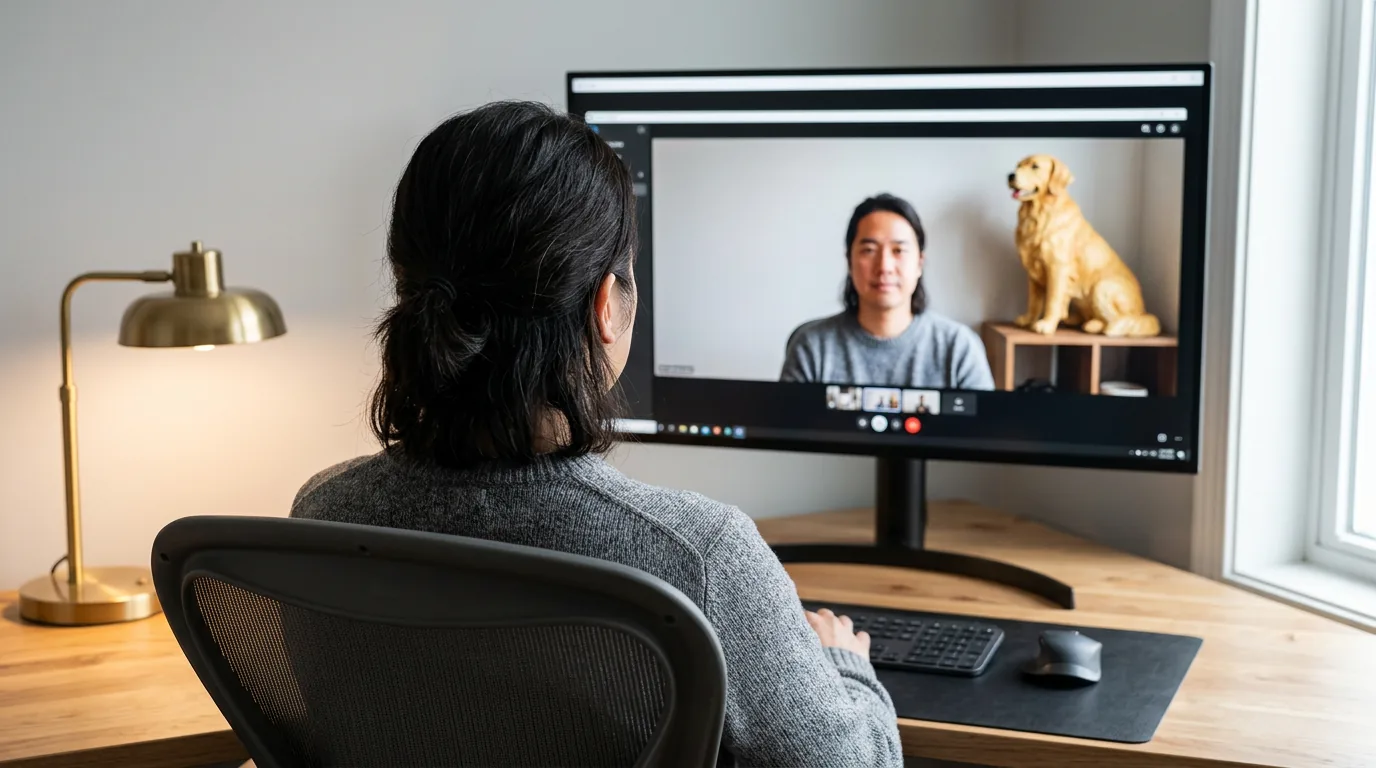
On a video call you occupy the middle of the frame, from roughly the waist up. That is the worst place to put anything you want people to see. A background where the gag is centred is a background nobody sees.
Three rules fix it:
Leave the centre empty. Write it into the prompt. Phrases like "the centre of the frame empty", "wide clear space in the middle", "desk pushed to the far right" all steer the composition. Put the joke in the upper corners, the left third or the right third.
Expect your own view to be mirrored. Most video apps flip your self-view like a mirror, so any text in the background reads backwards to you. Other people see it correctly. If the reversal bothers you, turn off the mirror-my-video option in your camera settings — and check with one other person before assuming your sign is broken.
Keep the gag large. You are one small rectangle in somebody's grid view. A tiny detail in the corner disappears. One big absurd object beats five small ones.
Prompts: the office that is not your office
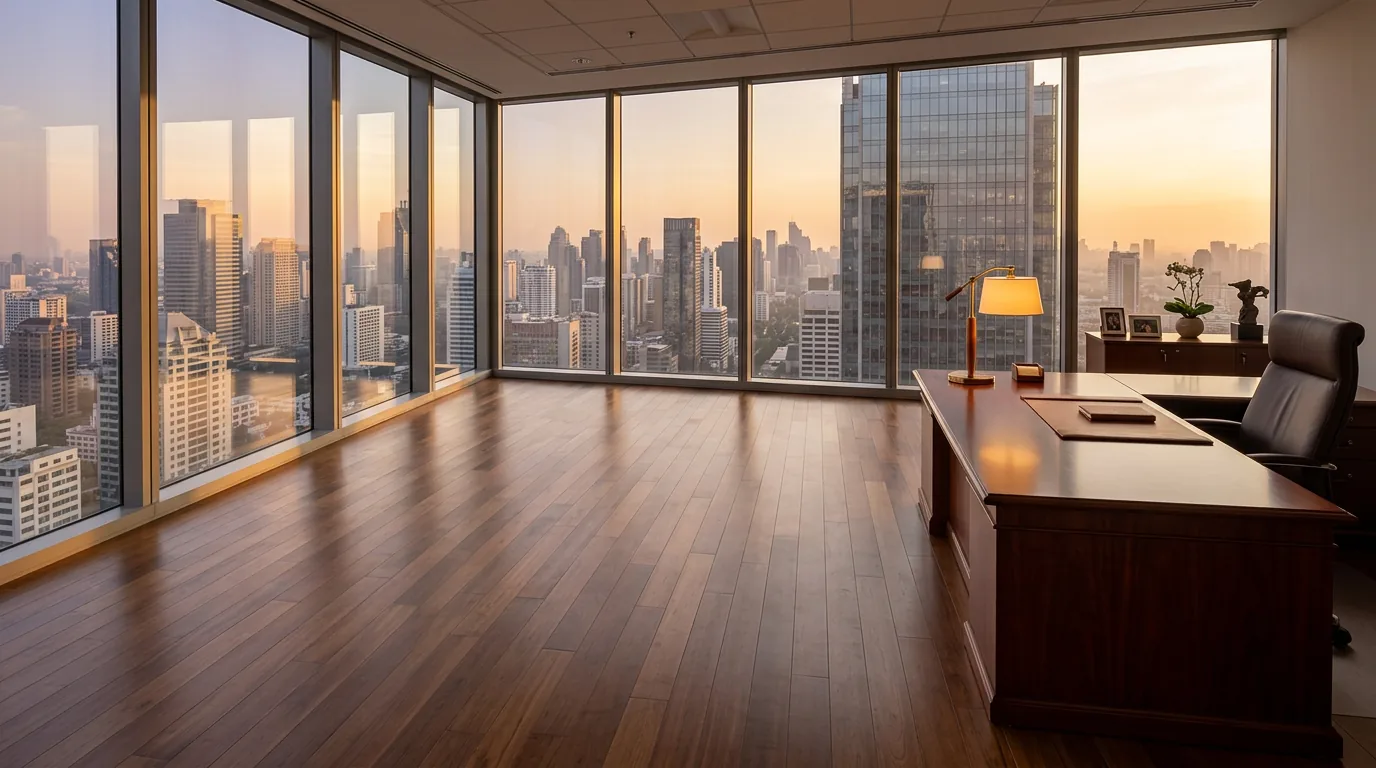
Paste these into the prompt box, pick 16:9, generate. Change a noun and generate again — at under ten seconds a go, iterating is faster than searching.
The corner office you did not earn
A vast corner office with floor-to-ceiling windows overlooking a city skyline at golden hour, an enormous mahogany desk pushed to the far right of the frame, the centre of the room empty, eye-level wide shot, warm light
Everything is fine
A tidy home office with a small fire burning in a wastepaper basket in the back left corner, thin smoke, nobody reacting, calm morning light through a window, wide shot, centre of the frame empty
Staffing problem
An open-plan office where every desk is occupied by a golden retriever wearing a shirt and tie, the nearest desk empty, fluorescent ceiling lights, wide shot, clear space in the middle of the frame
Mission control
The control room of a 1970s space station, beige panels covered in unlabelled switches along both side walls, film grain, the middle of the room empty, wide shot
Underwater meeting room
A corporate meeting room at the bottom of the ocean, a huge curved window on the left with a curious whale drifting past, soft blue light, the right half of the frame plain wall, wide shot
Throne, of sorts
A medieval stone throne room where the throne is a battered office swivel chair on a stack of wooden pallets, banners hanging on the side walls, wide empty flagstone floor in the centre, torchlight
Slight flood
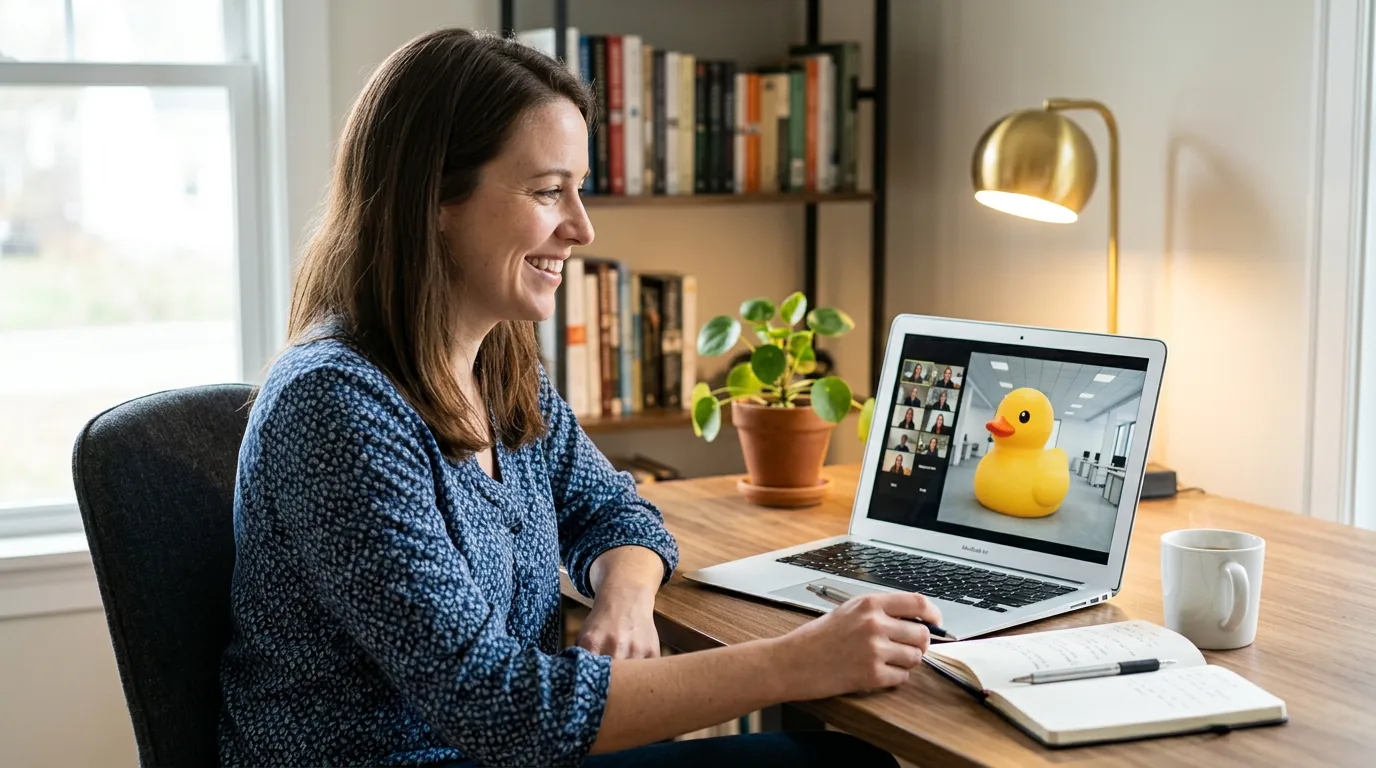
A normal open-plan office with two feet of clear water covering the floor, a rubber duck floating past a chair, everyone's belongings still on the desks, daylight, wide shot, centre clear
Occasion sets
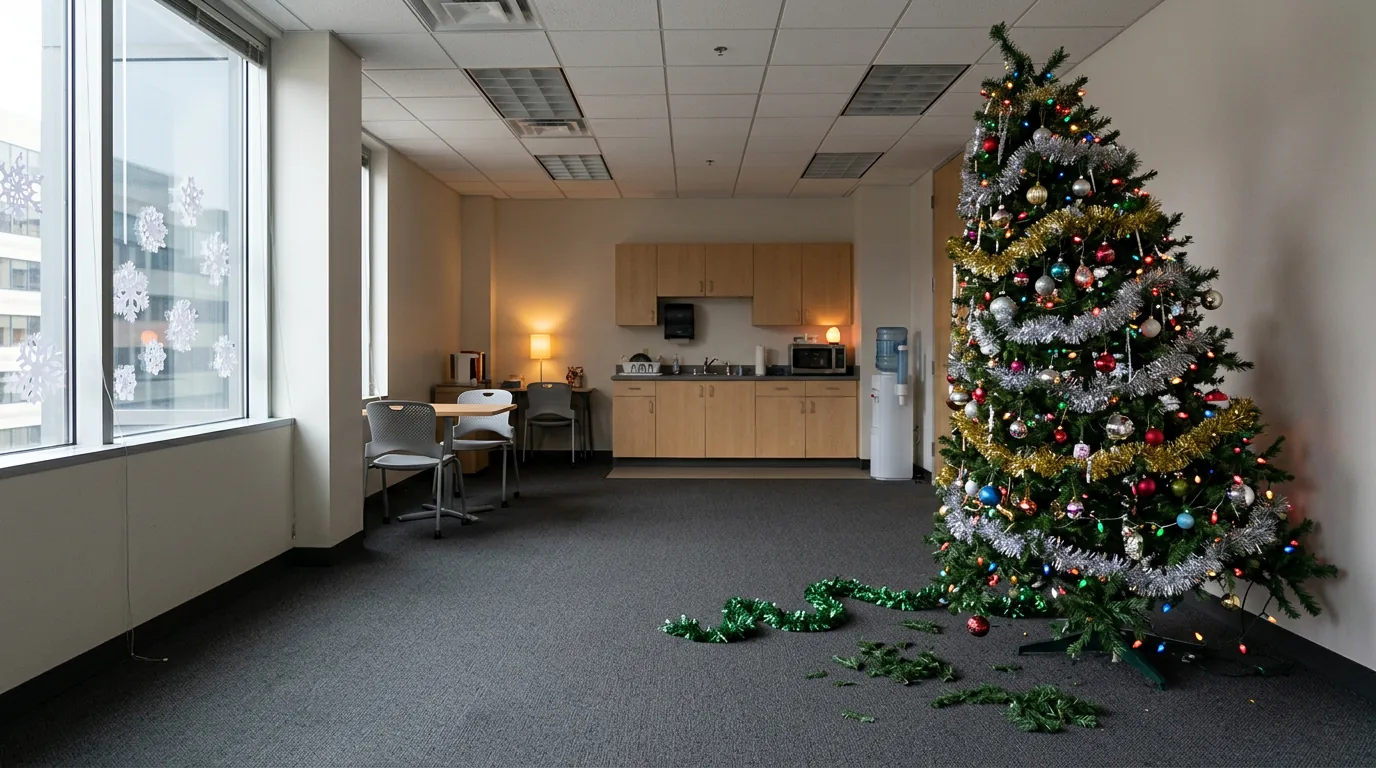
Krisp's round-up suggests funny backgrounds for team meetings, virtual happy hours, presentations and special occasions. Those all want different jokes. Here is one prompt each.
Halloween — the colleague who went too far:
A home office decorated for Halloween by someone with no restraint, forty carved pumpkins stacked on shelves along the left wall, fake cobwebs across the ceiling, warm orange light, centre of the frame empty, wide shot
Holiday party call:
An office break room buried in tinsel, a lopsided artificial Christmas tree in the right third shedding needles onto the carpet, paper snowflakes taped to the window, centre of the frame clear, flat overhead lighting
Someone's birthday:
An office cubicle wrapped entirely in birthday wrapping paper, one sad half-deflated balloon drifting in the top left corner, harsh fluorescent light, wide shot, centre empty
Friday happy hour:
A rooftop bar at sunset, string lights strung across the top of the frame, a long bar counter along the far right, city rooftops behind, the centre of the frame open, warm light
First day on the job:
An enormous completely empty office on a bright first morning, one cardboard box and a drooping potted plant in the far left corner, dust visible in the sunlight, wide shot
All-hands:
A vast auditorium seen from the stage, thousands of empty red velvet seats receding into darkness, two stage lights glaring at the top of the frame, centre of the frame open
For a birthday or holiday card rather than a call, generate the same idea in 3:4 and leave room for your own handwriting. A generated card beats a shop card because the joke can be about the actual person.
Putting words in the picture
Image models can render short text, and they get worse the more you ask for. Keep it to one or two words, in quotation marks, on a physical object. The examples gallery includes a stone cat holding a readable sign, with the full prompt shown — a useful model for how to phrase it.
A plain office wall with a hand-lettered wooden sign hanging on the left reading "BACK SOON", soft daylight, the rest of the wall empty, wide shot
Generate two or three times and pick the one where the letters came out clean. Longer phrases turn into convincing nonsense, so a whiteboard covered in text is not a realistic ask. If the words matter more than the image, put them in the picture as one short sign and say the rest out loud.
Use your own photo as the starting point
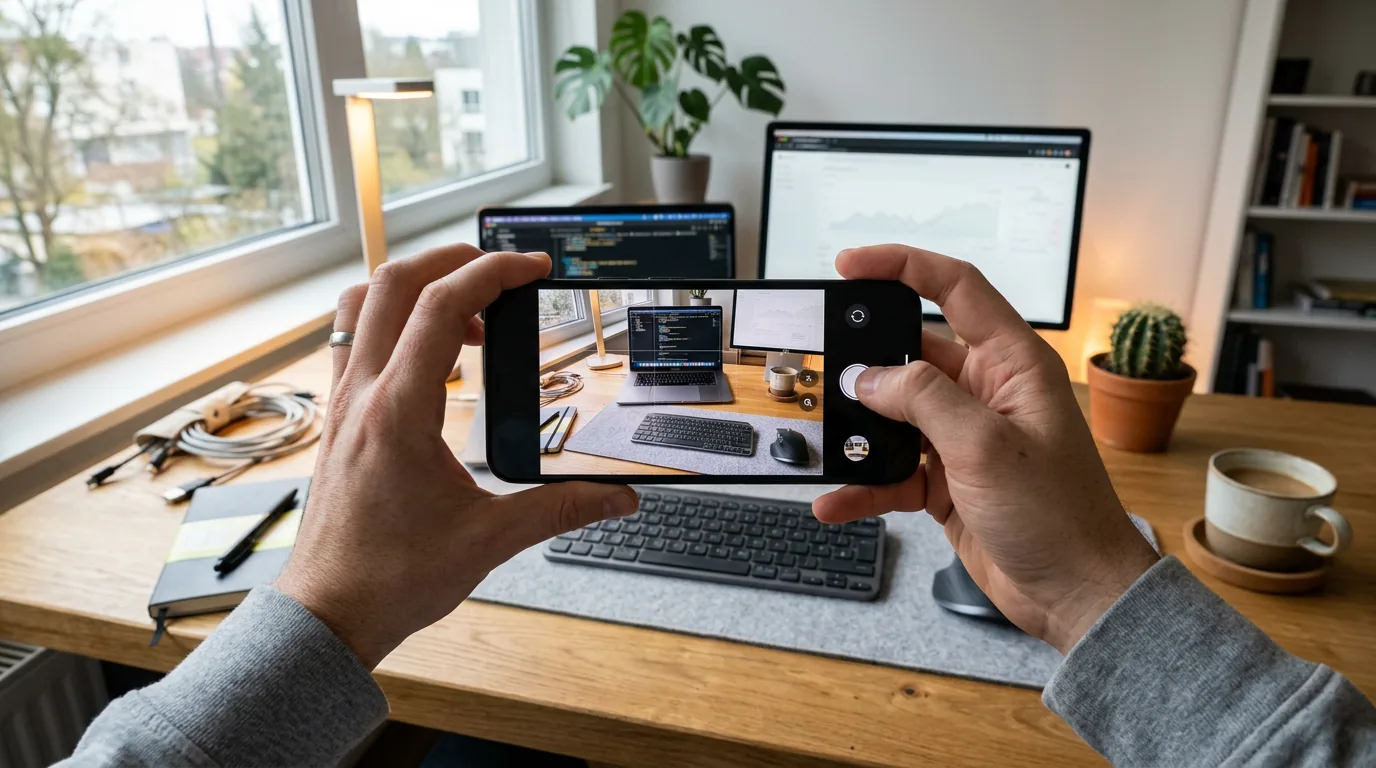
The inside-joke version needs your actual room. The generator has an Image Prompt button for uploading a reference image, which runs image-to-image instead of text-to-image: it keeps the structure of what you uploaded and changes what you describe.
Take a photo of your desk with the phone, upload it, then try:
The same room, but the walls and ceiling are covered floor to ceiling with identical framed photographs of the same houseplant, everything else unchanged
Or your team's meeting room:
This same room, overgrown with jungle vines and ferns, roots cracking through the floor, shafts of green light, furniture still in place
This is also how you make a background about a running team joke — the whiteboard that never gets erased, the chair nobody sits in, the office kitchen. Do not upload photos of colleagues' faces to build a gag about them without asking first. That is a small courtesy that saves a large conversation.
Calls, phones, slides and banners
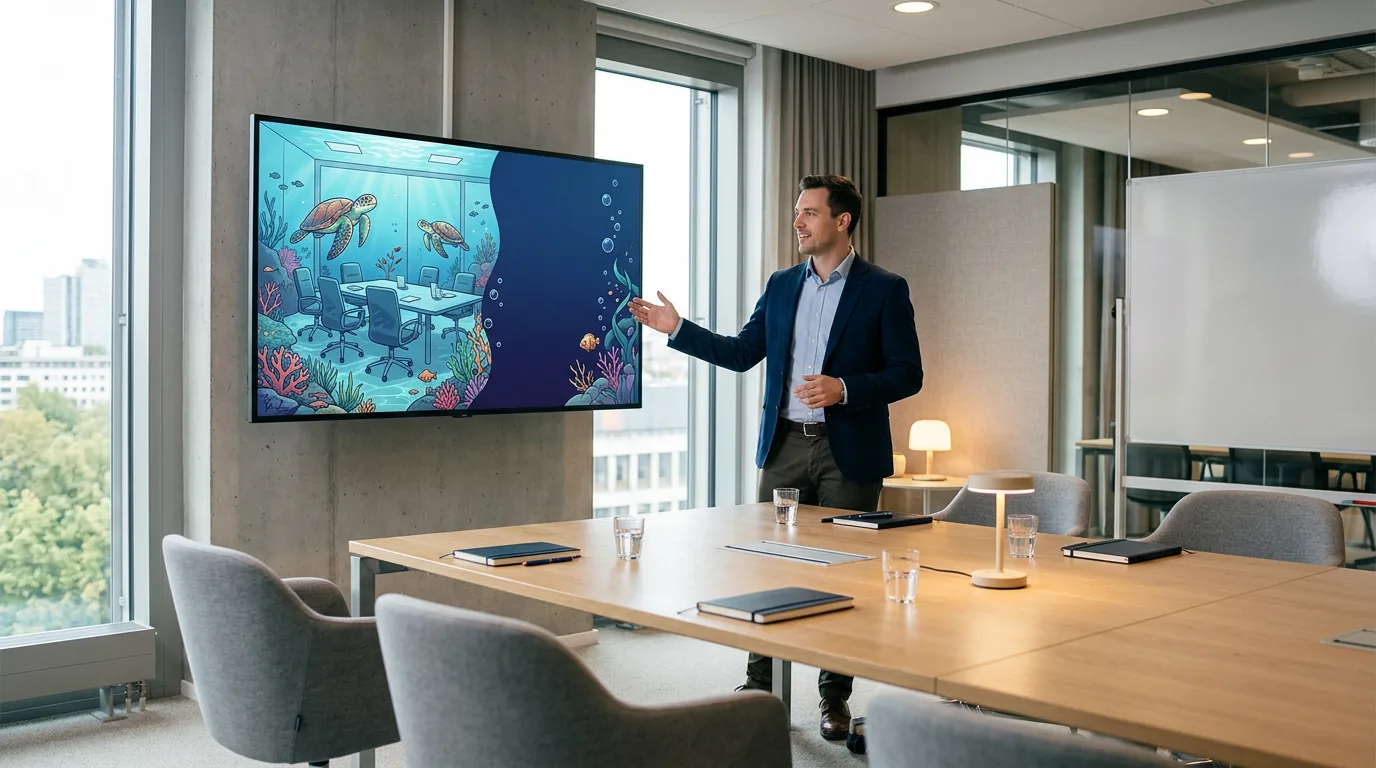
The search for a funny background rarely means only video calls, so here is where a generated image goes.
Zoom on desktop: click your profile picture, open Settings, and choose the Background & Effects tab in the left menu; the + icon lets you upload your own image from your computer. On mobile, tap the three dots at the bottom right during a meeting to get to backgrounds. Krisp's guide walks through the same menu path if you want it in more detail.
Teams, Meet and Webex: the control is in the same place conceptually — the video or effects panel, with an option to add your own image. Use the same 16:9 file.
Discord and Slack huddles: background replacement is limited or absent depending on the client, so the better use here is a square image as your avatar or a 16:9 one as a profile banner.
Phone lock screen: generate in 9:16, save to your photos, set as wallpaper. Leave the top third fairly plain or the clock sits on top of the joke.
Slide decks: a full-bleed funny image works for one title slide, not twenty. Generate 16:9, drop it in as the slide background, and put your text in a corner the image left empty — which is another argument for prompting an empty centre.
When the background does not work
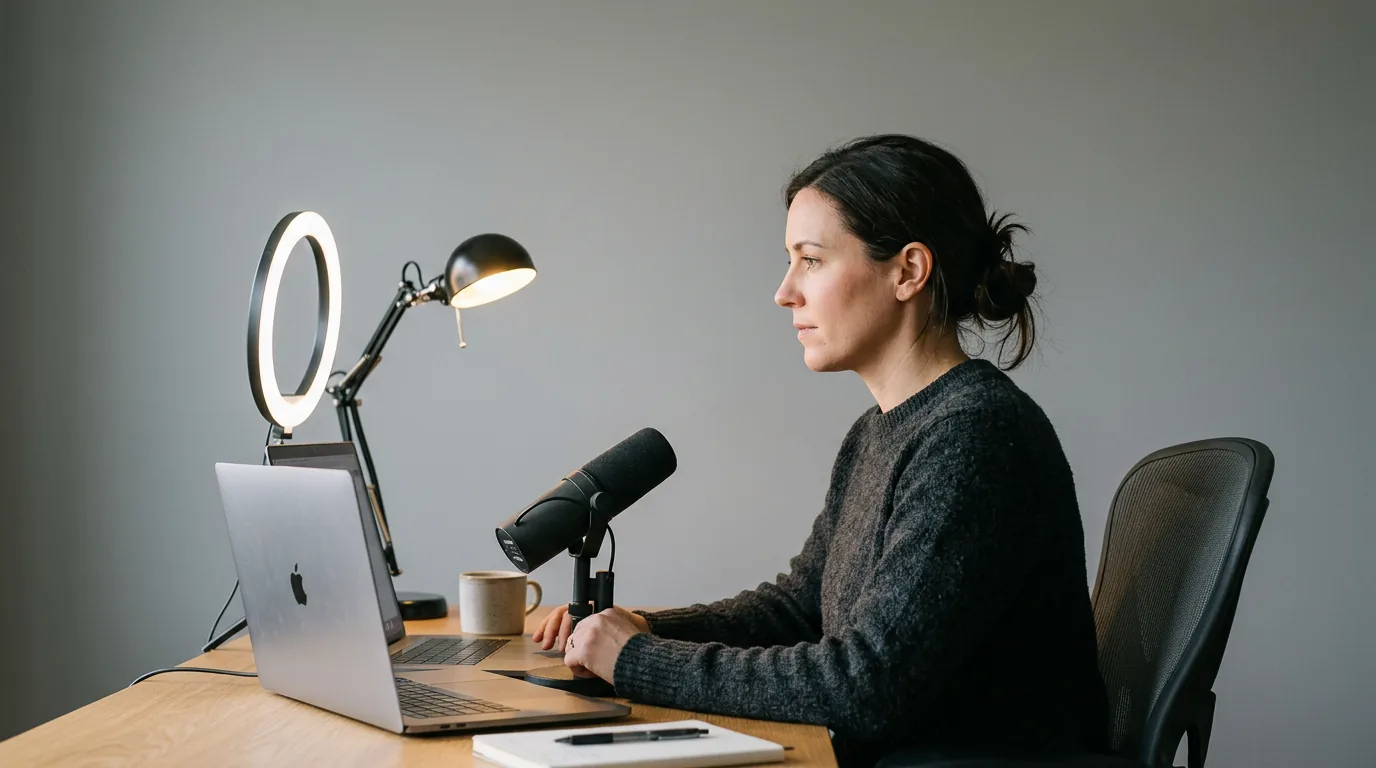
Most failures are the room, not the image.
- The option is missing from the menu. Update the app first. If it is still absent, the machine may not support background replacement — use the image as a phone wallpaper or a slide backdrop instead of fighting it.
- Your edges flicker, or the cutout eats your ears and hair. Light your face from the front, sit further from the wall behind you, and avoid wearing a colour close to that wall. Tie long hair back if it keeps vanishing.
- The image looks stretched. You uploaded the wrong shape. Regenerate at 16:9 rather than cropping.
- It looks soft on a big screen. Upscale the 1024×768 file before uploading.
- Nobody laughed. The gag was probably too small or centred behind you. Regenerate with one large object in the left or right third.
No green screen is required for any of this on a modern laptop. A plain, evenly lit wall does the same job.
Is it actually safe to use?
This is the part the listicles skip. The standard picks — a cartoon living room, a TV show's throne, a film studio's logo, a meme built from a photograph of a real identifiable person — are somebody else's property or somebody else's face. For a private call with four colleagues, nobody will ever care. For a recorded webinar, a client pitch, a conference talk, a marketing clip or a company account with a brand policy, the calculus changes, and "I found it on a background site" is not a licence.
A generated image sidesteps that entirely, because the picture did not exist before you asked for it. freegen.app states its generated images may be used for personal and commercial projects, and produces them without watermarks. Still write your prompts to describe a thing rather than a franchise: "a battered swivel chair on a stack of pallets in a stone throne room" is your joke; naming a television series is borrowing theirs.
The other line is tone. Funny lands when it is about the situation — too many pumpkins, a flooded office, an auditorium of empty seats. It stops landing when it is about a person, a group, a body part or a belief. Backgrounds involving funerals, toilets, heavy drinking, politics or anything you would not say out loud in the meeting are the ones that get you a quiet word. If you are new, interviewing, or on a call with clients, the safe move is absurd-but-mild: the corner office you did not earn, the retriever staffing problem, the underwater meeting room.
Frequently Asked Questions
Where can I find free funny backgrounds?
You can generate one instead of hunting for it. freegen.app is free with no signup, no account and no credit card, and the image you get is yours with no watermark. The advantage over a library is that nobody else on the call will have the same picture.
What size should a funny call background be?
Generate at 16:9 for laptops, monitors and slide decks, and 9:16 for a phone wallpaper. Images from freegen.app come out at 1024×768, which is fine for webcam feeds; upscale the file first if it is going on a large meeting room display. Save as JPEG or PNG.
Why does the text in my background look backwards?
Your self-view is mirrored, so text in the image reads reversed to you while everyone else sees it the right way round. Turn off the mirror-my-video setting in your camera options, or ask one person on the call to confirm what they see before you re-make the image.
Do I need a green screen?
No. A plain, evenly lit wall behind you gives the software enough contrast to separate you from the room. Lighting your face from the front matters more than the wall colour.
Can I use a generated background on a recorded client call or a webinar?
freegen.app says its images can be used for personal and commercial projects. That removes the licensing question a copyrighted TV or film background creates, but it does not override your employer's own policy on what appears on a recorded call — check that separately.
How long does one image take?
Under ten seconds, with the result delivered as it finishes. That is short enough to generate three variations of the same gag and keep the best one, which is usually what you end up doing.
Can I make a funny background from a photo of my own room?
Yes. Upload it with the Image Prompt button and describe the change — flooding, jungle overgrowth, a wall of identical framed photos. The output keeps the layout of your room, which is what makes the joke specific to your team.
What makes a background funny rather than distracting?
One large absurd element, placed off-centre, in a scene that otherwise looks ordinary. Busy backgrounds with five competing jokes read as visual noise in a small grid tile, and anything aimed at a person rather than a situation stops being funny fast.
Final Thoughts
The gap in every funny background list is the same: they tell you what to download, not how to make the one that is actually about your Monday. Prompt craft for this is not complicated — describe a plausible room, add one impossible thing, keep the centre empty, pick 16:9.
Pick the prompt above that fits your next call, paste it into the generator, and you will have the file before the meeting invite finishes loading. Change one noun and generate again if the first one is not quite it.