Below are 58 AI art styles in five families: art-history movements, illustration looks, digital and 3D looks, photographic looks, and '-core' aesthetics. Each row gives the style, what it looks like, and a short keyword you can paste straight after your subject.
An art style is a named visual look. Adding one to a prompt changes the colour, mood and finish of the image. To try any keyword now, paste it into the free FreeGen image generator, which makes a text-to-image result with no signup, typically in under ten seconds, as of November 2026.
One honest note before the list: a keyword nudges the model, it does not guarantee a look. The same phrase can land differently from one generator to the next, and the first image is rarely the best. Run it, compare, adjust.
Art-history movements
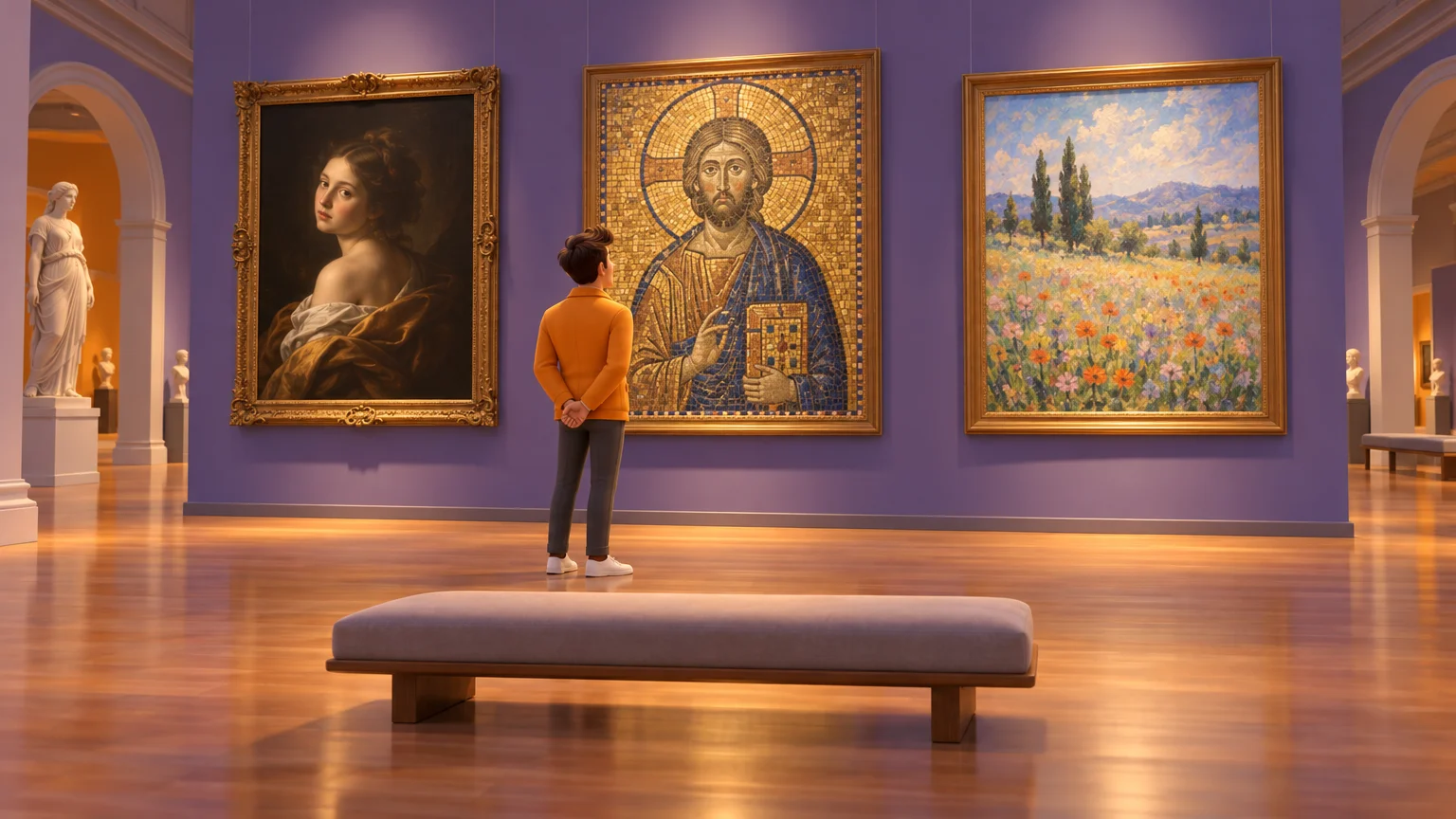
Art-history movements are the place to start when you want an image that looks painted or printed rather than generated. They carry centuries of recognisable traits, so a single movement name often shifts the whole picture. Dates are approximate.
| Style | Era | Signature look | Keyword to paste |
|---|---|---|---|
| Prehistoric cave painting | c. 40,000–4,000 B.C. | Rough brushwork or finger painting, bold outline shapes, no perspective | prehistoric cave painting |
| Ancient Egyptian | c. 3000–30 B.C. | Composite-view figures, rigid proportions, bright flat colours, hieroglyphics | ancient Egyptian wall painting |
| Classical Greek and Roman | c. 800 B.C.–A.D. 400 | Realism and storytelling in painting | classical Greek and Roman painting |
| Byzantine | c. 500–1453 | Gold backgrounds, flat forms, formal poses | Byzantine mosaic, gold background |
| Romanesque | c. 1000–1150 | Thick outlines, bold colour, stylised figures | in the Romanesque style |
| Gothic | c. 1150–1400 | Graceful figures, flowing robes, richly coloured panels, stained glass | Gothic stained glass |
| Renaissance | c. 1400–1600 | Classical harmony, realism, perspective | Renaissance oil painting |
| Mannerism | c. 1520–1600 | Elegance, complexity, intentional distortion | in the style of Mannerism |
| Baroque | c. 1600–1750 | Heightened drama, theatrical lighting, emotional intensity | Baroque painting, dramatic lighting |
| Rococo | c. 1720–1780 | Playful elegance, aristocratic leisure, romance, decorative charm | Rococo painting |
| Neoclassicism | c. 1770–1820 | Clarity, order and virtue, drawn from ancient Greece and Rome | Neoclassical painting |
| Romanticism | c. 1780–1850 | Emotion, individualism, the sublime power of nature | Romanticism landscape painting |
| Realism | c. 1840–1880 | Unsentimental honesty about ordinary people and everyday labour | 19th-century Realism painting |
| Ukiyo-e and Japonisme | c. 1850–1900 | Flattened perspective, elegant lines, atmospheric landscapes | ukiyo-e woodblock print |
| Impressionism | c. 1865–1885 | Loose brushwork, vibrant light, fleeting moments | in the style of Impressionism |
| Pointillism | c. 1885–1905 | Tiny dots of pure colour that blend in the eye | pointillism, tiny dots of color |
| Post-Impressionism | c. 1885–1905 | Impressionist technique with added structure, symbolism and emotion | Post-Impressionist painting |
| Symbolism | c. 1880–1900 | Dreams, myth and the metaphysical over realism | Symbolist painting |
| Art Nouveau | c. 1890–1910 | Elegant lines, nature-inspired design | Art Nouveau poster |
| Fauvism | c. 1905–1908 | Intense, non-naturalistic colour, bold simplicity | Fauvism, bold unnatural colors |
| Cubism | c. 1907–1914 | Perspective broken up, several angles of a subject at once | in the style of Cubism |
| Futurism | c. 1909–1915 | Speed, technology and movement in dynamic compositions | Futurist painting, dynamic movement |
| Dada | c. 1916–1922 | Absurdity, chance and provocation against logic and convention | Dada collage |
| Bauhaus and Modernist design | c. 1919–1933 | Geometric clarity and minimalism uniting art, design and function | Bauhaus design, geometric shapes |
| Art Deco | c. 1920s–1940s | Bold geometric patterns, luxurious materials, streamlined design | Art Deco poster |
| Surrealism | c. 1924–1966 | Dreams and the unconscious, precise realism in impossible scenes | surrealist painting |
Ukiyo-e also influenced Impressionism and Art Nouveau, and two or more styles can be combined in one prompt.
Illustration and graphic styles
Illustration styles describe a medium or technique rather than a period. They are the everyday choice for blog graphics, cards and posts, because they read clearly at small sizes.
| Style | Look | Keyword to paste |
|---|---|---|
| Flat illustration | Solid colour shapes, no shading or depth | flat vector illustration |
| Minimalist | Few elements, lots of empty space, limited palette | minimalist illustration |
| Line art | Clean outlines only, little or no fill | black ink line art |
| Hand-drawn | Visible pencil or pen marks, slightly imperfect lines | hand-drawn pencil sketch |
| Watercolor | Soft washes, bleeding edges, paper texture | watercolor illustration |
| Painterly or textured | Visible brush strokes and surface texture | painterly, textured brush strokes |
| Collage | Cut-paper pieces, mixed photos and shapes layered together | mixed-media paper collage |
| Pop art | Bold outlines, bright primary colours, halftone dots | pop art, halftone dots |
| Pixel art | Built from visible square pixels, like old video games | 16-bit pixel art |
| Comic book | Inked outlines, flat colour, panel-style drama | comic book illustration |
| Anime | Japanese animation look, large expressive eyes, clean cel shading | anime style illustration |
Digital and 3D styles
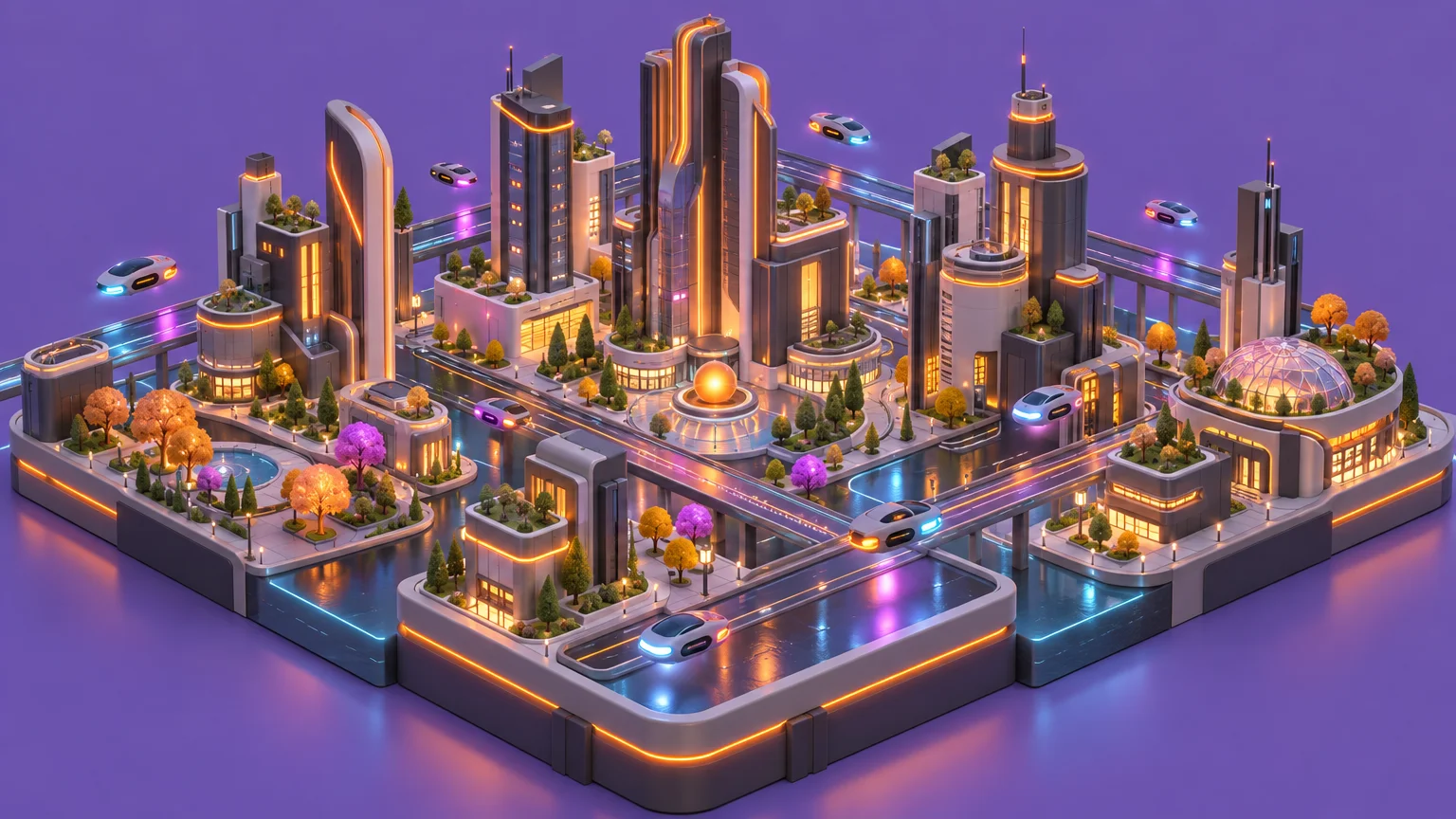
Digital and 3D styles make an image look built on a computer rather than painted. They suit thumbnails, game-like scenes and anything that should feel modern.
| Style | Look | Keyword to paste |
|---|---|---|
| 3D render | Smooth modelled surfaces, soft studio lighting | 3D render, soft studio lighting |
| Isometric | Scene seen from an angled top-down view, no vanishing point | isometric 3D illustration |
| Low poly | Objects made of visible flat triangles | low poly 3D |
| Claymation | Figures that look sculpted from modelling clay | claymation style, clay figures |
| Cyberpunk | Neon-lit city at night, rain, high tech and grime | cyberpunk, neon lights, night city |
| Vaporwave | Pastel pinks and teals, retro computer and 1980s–90s imagery | vaporwave aesthetic |
| Glitch | Digital errors, split colour channels, scan lines | glitch art |
Photographic and cinematic looks
Photographic looks describe a camera, a lens or the light rather than an art movement. Use them when you want the image to pass as a photo.
| Style | Look | Keyword to paste |
|---|---|---|
| Documentary | Natural, unposed, real-world moment | documentary photo |
| Cinematic | Wide frame, moody colour grade, film-still feel | cinematic still, dramatic lighting |
| Macro | Extreme close-up of small detail | macro photo, extreme close-up |
| Vintage film | Grain, faded colour, older film stock | vintage film photo, grain |
| Golden hour | Warm, low sunlight with long shadows | golden hour light |
For more on getting a photo-real result, the FreeGen guide to what AI art is has photographic prompts to start from.
'Core' aesthetics
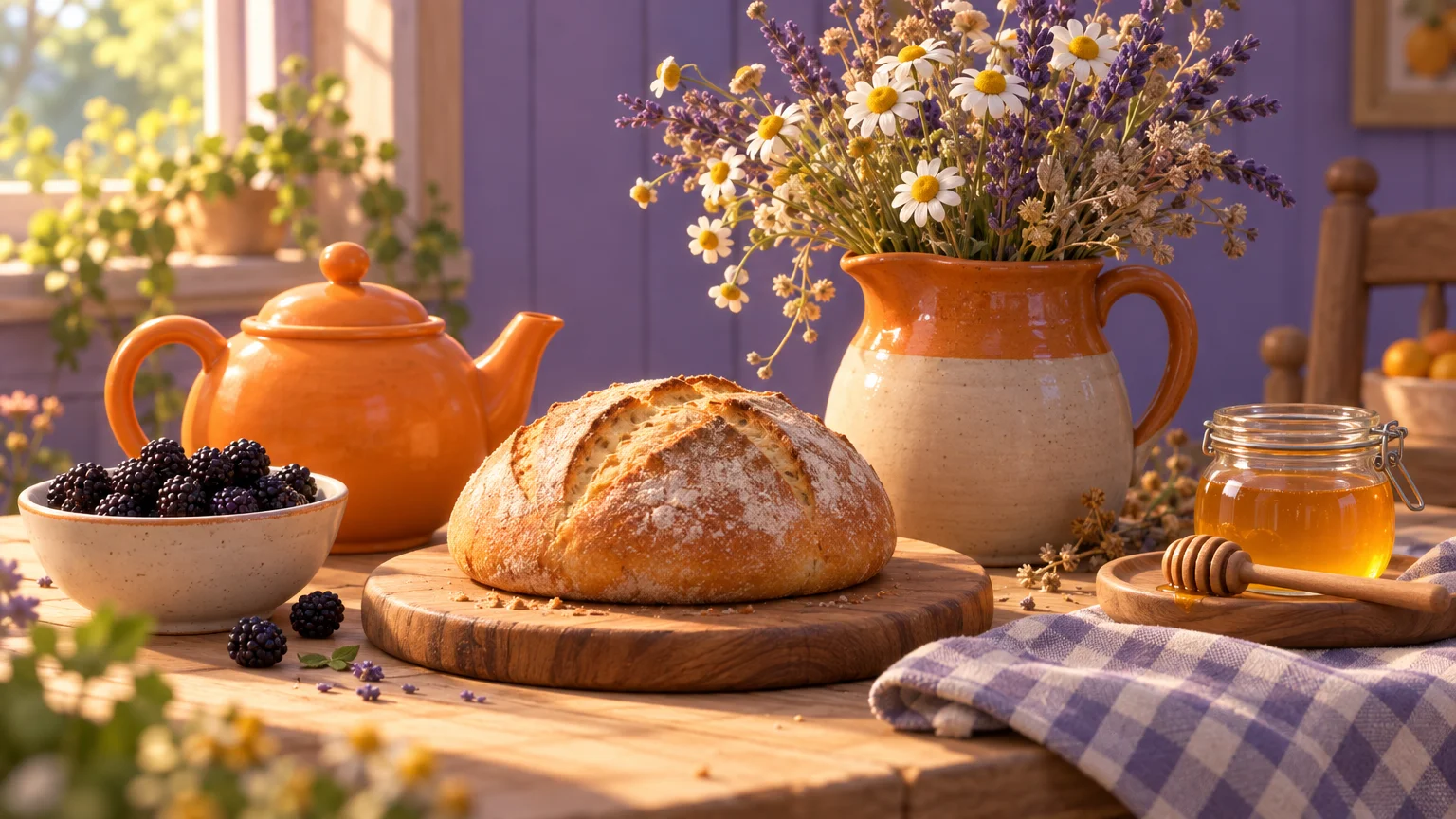
'Core' styles are themed aesthetics that capture a vibe or subculture, and their names usually end in '-core'. They spread on Tumblr, Instagram and TikTok, so they describe a mood and a set of objects more than a technique. Some work better than others depending on the prompt and the generator.
| Style | Look | Keyword to paste |
|---|---|---|
| Cottagecore | Romanticised rural life, rustic cottages, nature | in the style of Cottagecore |
| Fairycore | Whimsical fairy world, enchanted and ethereal | Fairycore aesthetic |
| Dreamcore | Dreamlike, surreal, fantastical | Dreamcore aesthetic |
| Cybercore | Futuristic tech, neon lights, high-tech visuals | Cybercore aesthetic |
| Neoncore | Vibrant glowing neon, nightlife, retro-futurism | Neoncore aesthetic |
| Dragoncore | Dragons and mythical themes, powerful and majestic | Dragoncore aesthetic |
| Witchcore | Potions, spellbooks, enchanted forests, dark and mystical | Witchcore aesthetic |
| Kidcore | Childlike, playful, nostalgic | Kidcore aesthetic |
| Glitchcore | Digital glitches used as expression | Glitchcore aesthetic |
If a '-core' word alone does little, add two or three of the objects it implies. "Witchcore aesthetic, potions and spellbooks on a wooden shelf" gives the model more to work with than the label.
Four kinds of style word, and where they go
A style word is one of four things, and knowing which helps when a result comes out bland:
- A movement: Impressionism, Art Deco, Surrealism. Shapes the whole picture.
- A medium or technique: watercolor, pixel art, line art, 3D render. Shapes the surface.
- An aesthetic: Cottagecore, vaporwave, cyberpunk. Shapes the mood and the objects in the scene.
- A photo or lighting look: cinematic, macro, golden hour. Shapes the camera and the light.
You can use one from each group. For example:
a fox sleeping under a tree, watercolor illustration, soft morning light
The subject tells the model what to draw. The style tells it how. The light finishes it.
How to use any row in four steps
Any keyword in the list works the same way.
- Write a plain subject. Describe the scene without any style:
a landscape featuring a house by a lake. - Add the style phrase.
A landscape featuring a house by a lake, in the style of Cottagecore. - Generate, then change only the style. Keep the subject word for word and swap the keyword: Cottagecore, then
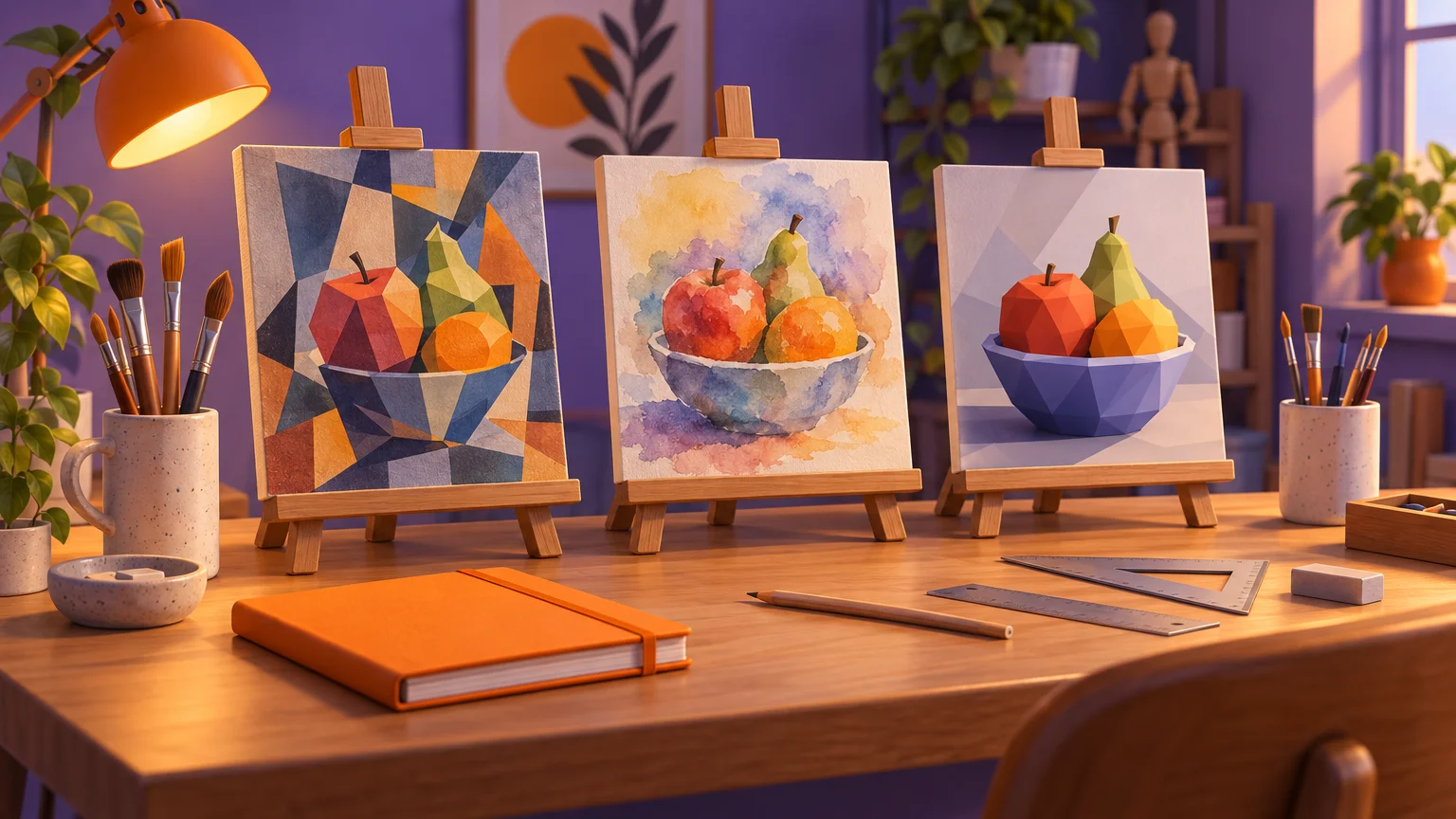
ukiyo-e woodblock print, thenlow poly 3D. Keeping the same base prompt and trying several styles is how you compare them. - Combine two if you want.
a house by a lake, Art Nouveau poster, watercolor illustration. Two or more styles can share one prompt.
On FreeGen you pick the aspect ratio before you generate: 1:1, 4:3, 3:4, 16:9 or 9:16, as of November 2026. To apply a style to a picture you already have, upload it with the Image Prompt button for an image-to-image transformation, then add the style keyword. The site's own terms note that AI images may not always match the prompt exactly, so treat each run as a draft.
The FreeGen one-line prompts to copy and paste include a full prompt formula and an art style section if you want ready-made subjects to pair with these keywords.
Picking a style by what the image is for
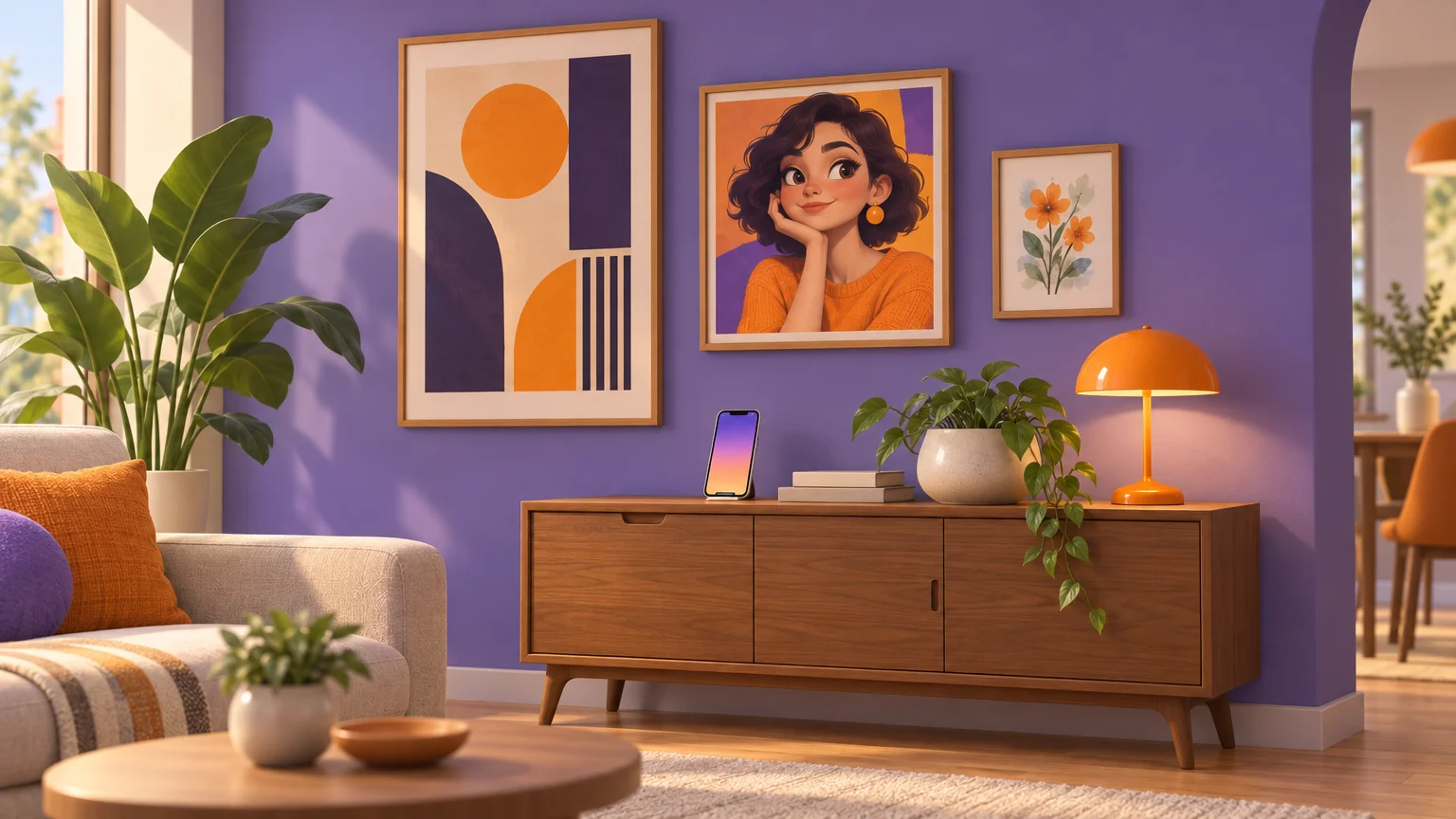
The best style is the one that survives where the image ends up. A phone screen, a printed sheet and a tiny profile circle need different things.
- Phone wallpaper (9:16). Pick something that works behind app icons: minimalist, watercolor, golden hour or Dreamcore. Avoid busy collage or pointillism, which fight the icons. For tall-format sizing, see the FreeGen guide to the Instagram Story aspect ratio.
- Poster (3:4). Styles born as posters do well: Art Deco, Art Nouveau, Bauhaus, pop art. They leave clean shapes you can read from across a room.
- Social post (1:1 or 4:3). Painterly or textured styles suit emotional stories. Collage suits community and cause posts. Flat illustration suits explainers, educational graphics and step-by-step content.
- Blog header or website graphic (16:9). Minimalist and flat styles suit websites, landing pages and email graphics, because they leave room for text you add later.
- Avatar (1:1). Anime, comic book, pixel art and claymation stay recognisable at small sizes. Fine detail like pointillism disappears.
- Printables and home decor. '-core' styles are a natural fit: a Cottagecore or Dragoncore print, a Witchcore bookmark, a Kidcore sticker sheet.
- Greeting card (3:4 or 4:3). Watercolor, Rococo and hand-drawn feel personal. If you want words on the card, the FreeGen article on turning a quote into an image covers lettering styles.
If you post often, choose two or three styles and keep to them. A feed or a shop that always uses, say, watercolor plus golden hour is easier to recognise than one that changes every week.
Styles versus artists' names
A movement is a shared language; a living artist's name is one person's work. Typing "in the style of" plus the name of a working illustrator is a different matter. Style mimicry, where AI models imitate individual artists, is a recognised concern for artists, as Tech Times reported in December 2023.
If you plan to sell, print or post what you make, describe the look instead of naming the person: "loose ink lines, muted earth tones, children's book feel" rather than a name. FreeGen's terms of service forbid generating content that infringes others' intellectual property, or images of real people without their consent. Under the same terms, as of November 2026, you keep the rights to what you generate and can use it for personal and commercial projects.
Whether an AI image can be copyrighted is a separate question: Part 2 of the Copyright Office's AI report, published January 29, 2025 on the U.S. Copyright Office's AI page, addresses the copyrightability of outputs created using generative AI.
Frequently Asked Questions
Why does a style keyword sometimes change almost nothing?
Usually the subject is doing all the talking, or the style word is vague. Add one or two traits from its row, such as "gold background, flat forms" for Byzantine. Some styles also respond better in one generator than another, so a weak result is a reason to rephrase rather than give up on the style.
Can I turn my own photo into one of these styles?
Yes. On FreeGen, upload the photo with the Image Prompt button, add a keyword such as ukiyo-e woodblock print or pop art, halftone dots, and generate. It is the same image-to-image process with your picture as the reference image instead of a blank start.
Is it fine to sell a print made in the style of Art Nouveau?
FreeGen's terms, as of November 2026, let you use what you generate for personal and commercial projects, and forbid content that infringes others' intellectual property. Keep your subject original and describe the movement's traits rather than naming a living artist.
Final Thoughts
The quickest way to find your style is not to read the whole list but to pick one subject and run it through three rows from different families, say a movement, a medium and a '-core' aesthetic. The one you keep coming back to is your answer. The FreeGen examples gallery shows finished images with the full prompts behind them, which is a useful check on how much detail a good prompt carries.