Google's Nano Banana Pro is the most realistic AI image generator in the hands-on round-up on aitoolssme.com, which last tested it in April 2026 and ranked it first for sharp detail. On Arena, a blind-vote leaderboard for image editing, OpenAI's GPT Image 2 ranked first in July 2026 in every category, including Photorealistic and Portraits. To try photoreal prompts yourself, FreeGen is a free text-to-image generator that needs no account.
FreeGen runs on Z-Image Turbo, so you can test the prompts in this article straight away. Every tool below has its own typical flaw, and most free tiers are small.
Below you get the tools compared in one table, what the round-up's verdict rests on, which tool suits which subject, how to prompt for realism, and a checklist for spotting an AI-made picture.
The tools at a glance
Nano Banana Pro is first place in the hands-on round-up on aitoolssme.com; the other rows are a comparison set, not a ranked order. The flaws are that reviewer's findings unless noted.
| Tool | Realism verdict | Typical tell or flaw | Free access and entry price | Best use |
|---|---|---|---|---|
| Nano Banana Pro / Nano Banana 2 (Google) | Pro ranked first: the most realistic, with sharp details. Nano Banana 2 is also very realistic and sharp | Nano Banana 2 sometimes adds too much detail | Pro: 2 free images a day for free users, after a cut due to demand (Livemint, November 2025) | Photoreal scenes where fine detail matters |
| GPT Image 2 (ChatGPT) | First in all seven Arena image-edit categories in July 2026 | A fluorescent glow and extra sparkle you did not ask for | About 3-5 free images a day, and free generations are slow | People, portraits and edits |
| Midjourney | The high-quality reference most round-ups measure against | Hard for beginners | No free trial or free tier. Paid plans from $10 a month | Polished images if you will pay and learn it |
| Kling 3 | Getting more realistic. It used to look too shiny and artificial | Unnatural lighting | 65 credits after sign-up at 1 credit an image (also listed as 66 daily credits). Paid from $6.99 a month | Cheap realistic drafts |
| Grok Imagine (xAI) | Good for realism, humans and landscapes | Weak for commercial use and for merging two images | A 3-day trial | People and landscapes |
| Freepik (Flux.1 Realism, Mystic 2.5 and 30+ models) | Depends on the model you choose. Photoreal models are on the list | Results vary from model to model | 20 free images a day. Paid from $6.50 a month | Comparing several models in one place |
| Artlist (about 30 models) | Depends on the model you choose | Can get stuck when demand is very high | 2 free images | Occasional use across models |
Figures as aitoolssme.com and openjourney.art reported them on undated pages (aitoolssme's last test was October 2026). Nano Banana Pro's free limit is as Livemint reported it on 30 November 2025. Arena ranks are as AlphaSignal reported them on 30 July 2026.
Two more names come up often. Adobe Firefly is a mainstream option with 10 free generations a day. Recraft's images look "hipsterized", in the reviewer's word, which suits ads and social posts more than straight photography. Higgsfield's images always have a slightly animated look, so it is a poor fit if realism is the goal.
What this ranking rests on
The ranking is one reviewer's judgment, so it helps to know how it was made. The reviewer tests image generators every few weeks with the same five prompts. Those prompts score realism, detail, commercial appeal and AI editing together. Only one of the five tests realism directly: a friendly handshake between an AI robot and a woman against a space background. The page also uses affiliate links and may earn a commission when you sign up.
None of that makes the verdict wrong. It does mean "most realistic" here comes from one scene, judged by one person, mixed with scores for other things.
The blind-vote check
Arena ranks models by blind pairwise voting. People see two images without knowing which model made them and pick the better one. As AlphaSignal reported on 30 July 2026, Arena added seven categories, including Photorealistic and Portraits, to its image edit leaderboards. GPT Image 2 ranked first in all seven. The leaderboard covered 52 models and more than 28 million votes.
The top five on the Single-Edit Elo board were:
| Rank | Model | Elo |
|---|---|---|
| 1 | gpt-image-2 (medium), OpenAI | 1463 ± 4 |
| 2 | muse-image, Meta | 1407 ± 6 |
| 3 | mai-image-2.5, Microsoft AI | 1400 ± 4 |
| 4 | grok-imagine-image-quality, xAI | 1390 ± 6 |
| 5 | gemini-3-pro-image-2k, Google | 1389 ± 3 |
Scores as AlphaSignal reported them, 30 July 2026.
These are editing leaderboards, not pure text-to-image ones, so they do not directly overturn the round-up's pick. They do show that GPT Image 2's glow does not stop voters preferring it in head-to-head comparisons.
Two details from the same report help you read any leaderboard:
- Photorealistic and Portraits overlap by 64%. A model that does well on faces tends to do well on photoreal scenes.
- Photorealistic and Art overlap by less than 1%. A tool praised for artistic images tells you almost nothing about how real its photos look.
Prices, free allowances and rankings in this field change month to month. Read every figure above as a snapshot from its date.
Which tool for which subject
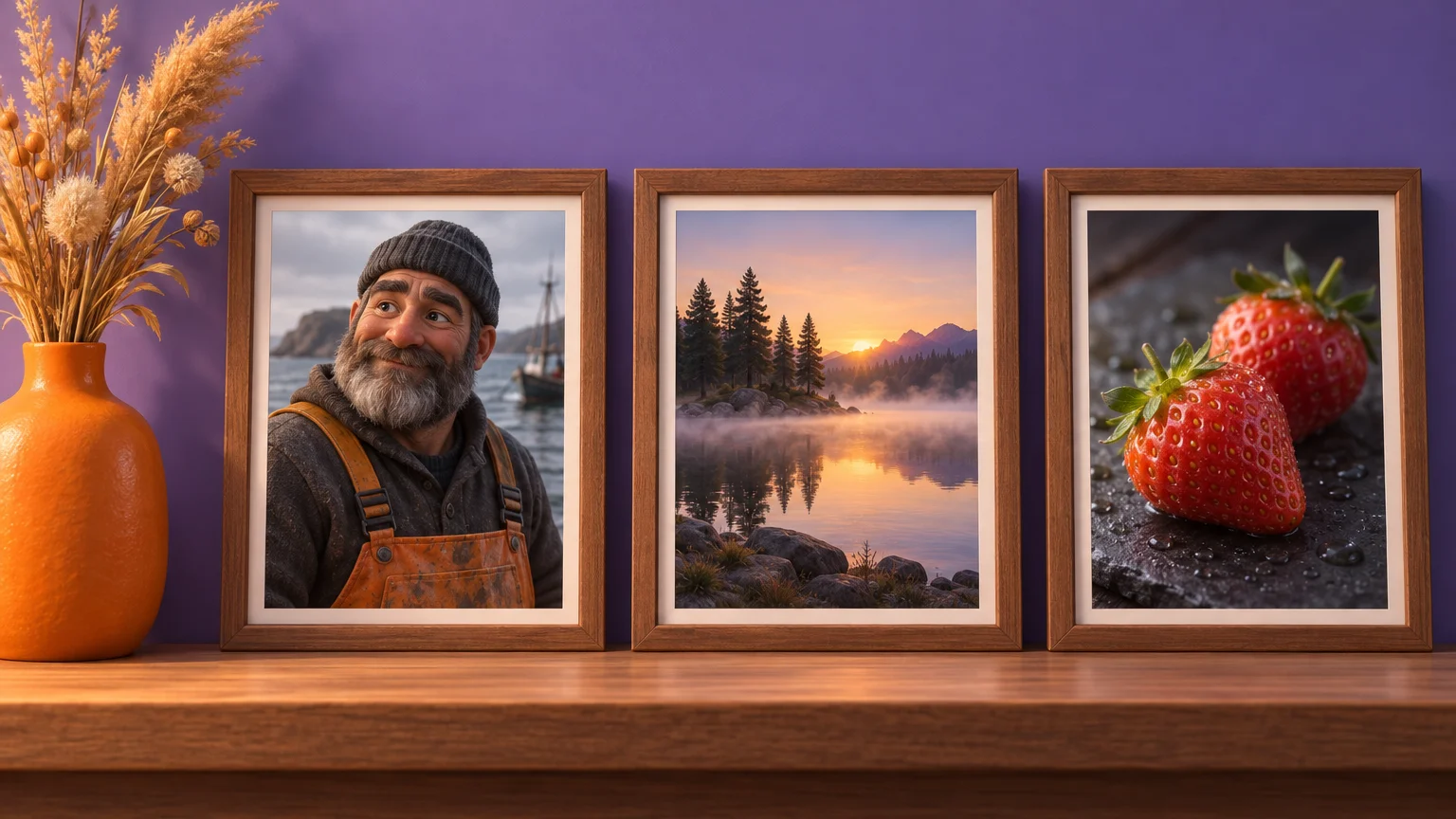
No source here ranks realism by subject, but the findings point in clear directions.
- Portraits and people. GPT Image 2 led Arena's Portraits category, and Grok Imagine handles humans well. Avoid Higgsfield for faces, because of its animated look. Whatever you use, watch skin for the glossy finish described in the checklist below.
- Landscapes. Grok Imagine did well on landscapes. Nano Banana Pro's sharp detail suits wide scenes. Nano Banana 2 can overload them with detail.
- Products and food. Close-ups depend on texture: skin on fruit, crumbs, glass, fabric. Kling's unnatural lighting and ChatGPT's sparkle both show most on shiny products, so check reflections closely. FreeGen's examples gallery shows Z-Image Turbo on this kind of subject, including two strawberries close up on a dark background, a macro honeybee and a berry chocolate tart, each with its full prompt.
- Ads and social posts. Recraft's styled look is an asset here rather than a flaw.
- Interiors. Judge these mostly on perspective. Straight vertical lines and walls that meet properly matter more than any single tool's reputation.
How to get a realistic image from any of them
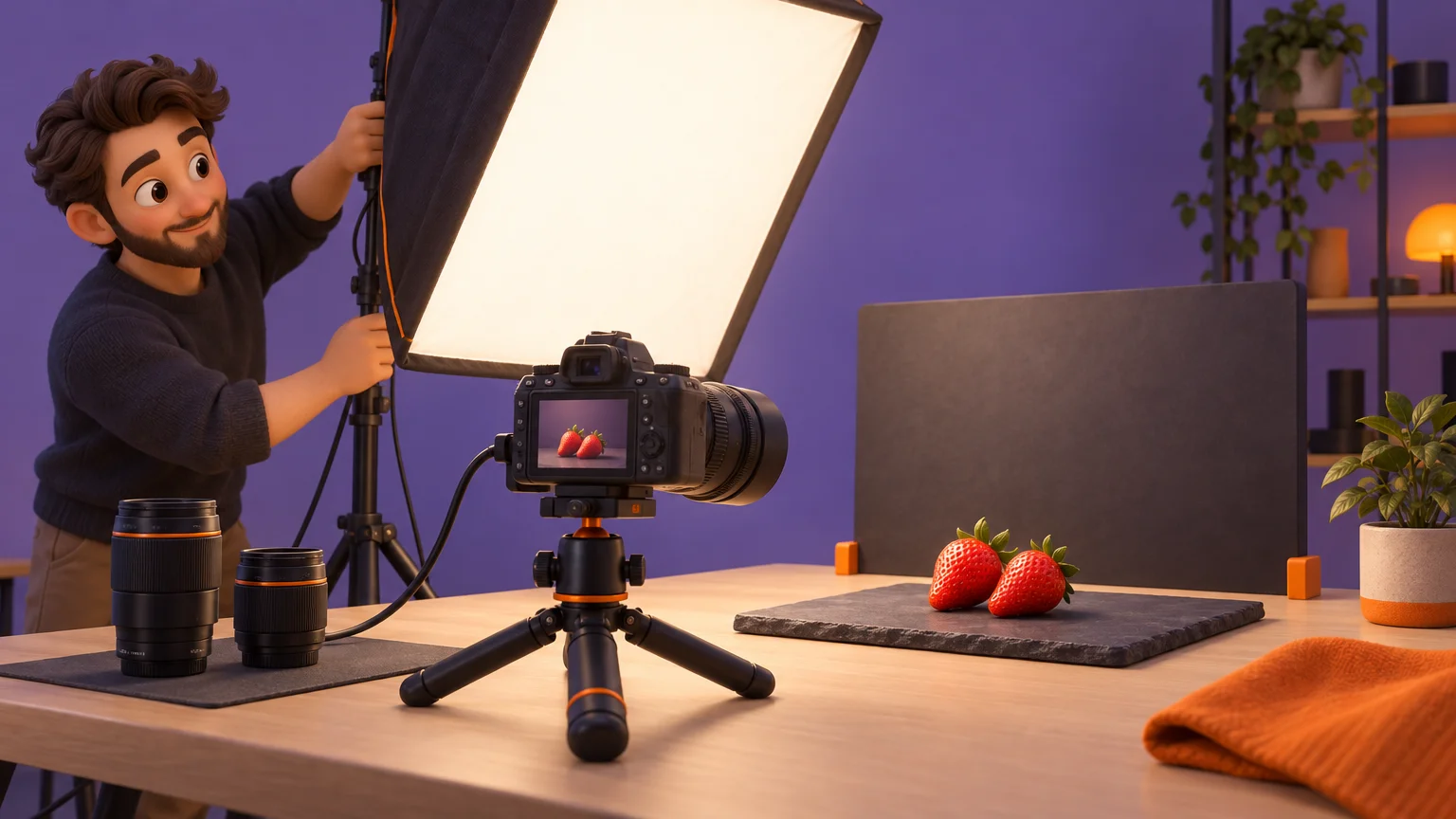
The model matters, but the prompt usually matters more. Three habits do most of the work.
- Describe the shot like a photographer. Name the lighting, the lens type, the focal length and the setting. "A woman in a café" invites the model to guess. "Soft window light from the left, 85mm lens, shallow depth of field" tells it what a camera would record. Z-Image in particular works best when you prompt it like a camera instruction rather than creative writing.
- Pick a photoreal model or preset. Inside tools that offer many models, choose one built for realism, such as Flux.1 Realism on Freepik, rather than an art model.
- Generate several variants and keep the best. Run the same prompt a few times. One version will usually get the hands, the light and the background right together.
Here are four prompts you can copy as they are and adjust:
Close-up photo of two ripe strawberries on a dark slate surface, single soft window light from the left, 100mm macro lens, shallow depth of field, tiny water droplets on the skin
Portrait photo of a middle-aged fisherman on a harbour at dawn, overcast light, 85mm lens, natural skin texture with fine lines, grey wool sweater, boats out of focus behind him
Interior photo of a small Scandinavian kitchen, morning sun through a window on the right, 24mm wide-angle lens at eye level, oak counters, a linen towel on the rail, straight vertical lines
Landscape photo of a pine forest lake after rain, low fog over the water, golden hour light behind the hills, 35mm lens, calm reflections
Each one names a light source with a direction, a lens and a few physical textures. Change one of those at a time and you will learn quickly what each part does. For more ready-made lines, see the photorealistic section of one-line AI image prompts to copy and paste.
A checklist for spotting the AI look
Telltale AI signs still turn up now and then, even from the top models. Before you post or use a realistic image, check these:
- Hands. Count the fingers and look at how they bend. Five per hand, with joints in plausible places.
- Ears. They should sit at the right height against the eyes and nose.
- Shadow direction. Every shadow should fall away from the same light source. Two shadows pointing different ways is a giveaway.
- Texture. Skin, fabric and wood should have grain. Plastic-smooth skin or fabric marks a weaker result.
- Background perspective. Lines should meet at a sensible point, and nothing should float or look pasted in.
- Stray text. Signs, labels and book spines often turn into nonsense letters. Crop them out or regenerate.
- The sparkle. An all-over glow, gloss or glitter that no real camera would catch, the flaw the reviewer saw in GPT Image 2 and in Kling's earlier images.
If an image fails one point, regenerate with a prompt that fixes it. For example, add "matte skin, overcast light" to calm the gloss. Common failures with hands and faces are covered in more depth in how AI image generators work.
Pixel size, rights and the invisible label
A realistic image is only useful if it is big enough and you are allowed to use it.
Pixel size. Find out the real resolution before you plan a print or a banner. The simplest way is to download one image and check its dimensions in your computer's file properties. Recraft lets you set size and DPI when you export. FreeGen images are 1024×768 pixels as of November 2026, which is fine for posts and web pages. For anything larger, FreeGen points to a free AI image upscaler.
Rights. Read each tool's terms of service before using its images commercially. Terms differ, and paid and free plans can differ within the same tool. On FreeGen, you keep all rights to your images and can use them for personal and commercial projects.
Labels. Google is said to embed its SynthID watermark in every Gemini-generated image. It is a signal you cannot see, added during generation. Google launched a SynthID Detector at Google I/O 2025 so anyone can upload media and check for it. Watermarking is not foolproof, so do not treat a clean result as proof an image is real. If you sell through a marketplace, its rules on AI imagery apply too. The guide to AI product photos and marketplace rules covers them.
Trying photorealism free, with no account
Most free tiers in the table cap you within a few images, and Kling's credits come only after sign-up. If you just want to see how real an AI photo can look today, with no sign-up, FreeGen lets you type a prompt and click generate. Results typically arrive in under ten seconds.
FreeGen runs on Z-Image Turbo, the optimized 8-step version of Z-Image, built on a 6-billion-parameter architecture and released on 26 November 2025. It is said to excel at photorealism thanks to reinforcement-learning fine-tuning. On the Artificial Analysis Text-to-Image Leaderboard in December 2025, as blog.bymar.co reported, it ranked eighth overall and first among open-source models. Freepik also lists Z-Image among its models. On FreeGen you use it without an account.
What you get, as of November 2026:
- Text-to-image from a written prompt.
- Image-to-image: upload a reference image with the Image Prompt button and describe the change.
- Five aspect ratios: 1:1, 4:3, 3:4, 16:9 and 9:16.
- 1024×768 output, with a free upscaler suggested for larger sizes.
- No storage of your prompts or images, according to the terms.
At 1024×768, it is not a print-resolution tool on its own. Paste in the strawberry or forest prompt above, run it a few times and judge the results against the checklist. That gives you a real baseline before you pay for anything.
Frequently Asked Questions
Can I make a realistic photo of a real person?
Not of a real person without their consent on FreeGen. Its terms forbid creating images of real individuals who have not agreed. Invented people, like the fisherman prompt above, are fine. Other tools set their own rules, so read their terms before you try.
Does a higher leaderboard score mean every image will be better?
No. On Arena, a 10-point Elo gap means one model wins roughly 55-60% of head-to-head votes. The other model still wins the rest. Close scores, like the single point between Grok Imagine and Google's model in July 2026, mean you will often prefer the lower-ranked one for a given prompt.
Why do round-ups disagree about which tool is most realistic?
They test different things. A single reviewer's five prompts, only one of them about realism, can reach a different answer from millions of blind votes on edits. Model versions also change every few months, so two lists written in different months are often judging different models.
Final Thoughts
The choice comes down to what you need today. If you will pay and want the top pick, choose by subject using the table: Nano Banana Pro for sharp detail, GPT Image 2 for people. If you want a realistic picture now, free and without an account, start with the prompts above on FreeGen and keep the best of a few tries.