Every prompt below is short enough to copy in one go and runs in a plain text box. Paste any of them into the free AI image generator on freegen.app — no account, paste and generate — and the image comes back in under ten seconds.
That matters for dress prompts specifically, because one generation is never enough. You write "emerald satin gown," you get something with a hem that dissolves into the carpet, you change four words, you run it again. Four runs is normal.
So this is written for the loop: the wording that works, the ratio to pick before you press generate, and the specific fixes for the specific ways dress images break.
The order the words go in
A dress prompt is not a wish. It is a stack of decisions. Put the garment detail you care about most near the front — that is the working habit — and layer the rest behind it in this order: subject and pose, garment details, styling, setting and lighting, then camera and photographic style.
Three habits do most of the work:
- Pair the colour with the material. "Deep emerald satin" behaves. "Deep emerald" gives you a colour with no surface.
- Describe how the fabric moves, not just what it is. "Glossy finish," "soft drape," "stiff structured tulle," "clings at the hip."
- Use silhouette words. Fitted, column, A-line, straight, oversized, cinched waist. "Flattering" and "stylish" are not instructions.
And end with a photography style. "Editorial fashion photography," "studio photography on a grey backdrop," "candid street style" — each one changes the lighting, pose and crop more than any adjective you could add to the dress.
Here is the fill-in version:
[who and pose], wearing a [silhouette] [dress type] in [colour] [fabric], [one design detail], [styling], [location], [lighting], [photography style], [framing]
Lazy versus written
Same look, two prompts. Run both and the difference is obvious in one pass.
Lazy:
pretty red dress
woman standing still, arms relaxed, wearing a floor-length column dress in deep crimson silk crepe with a soft drape, one shoulder strap, bare shoulders, plain concrete wall behind her, single soft light from the left, editorial fashion photography, full body
The first gives you a generic stock image. The second gives you a garment you could describe to a seamstress. When a result comes out flat or generic, the problem is almost always the prompt rather than the model.
Prompts by occasion
These are the events people actually dress for. Paste as-is, then swap the colour and fabric.
Prom
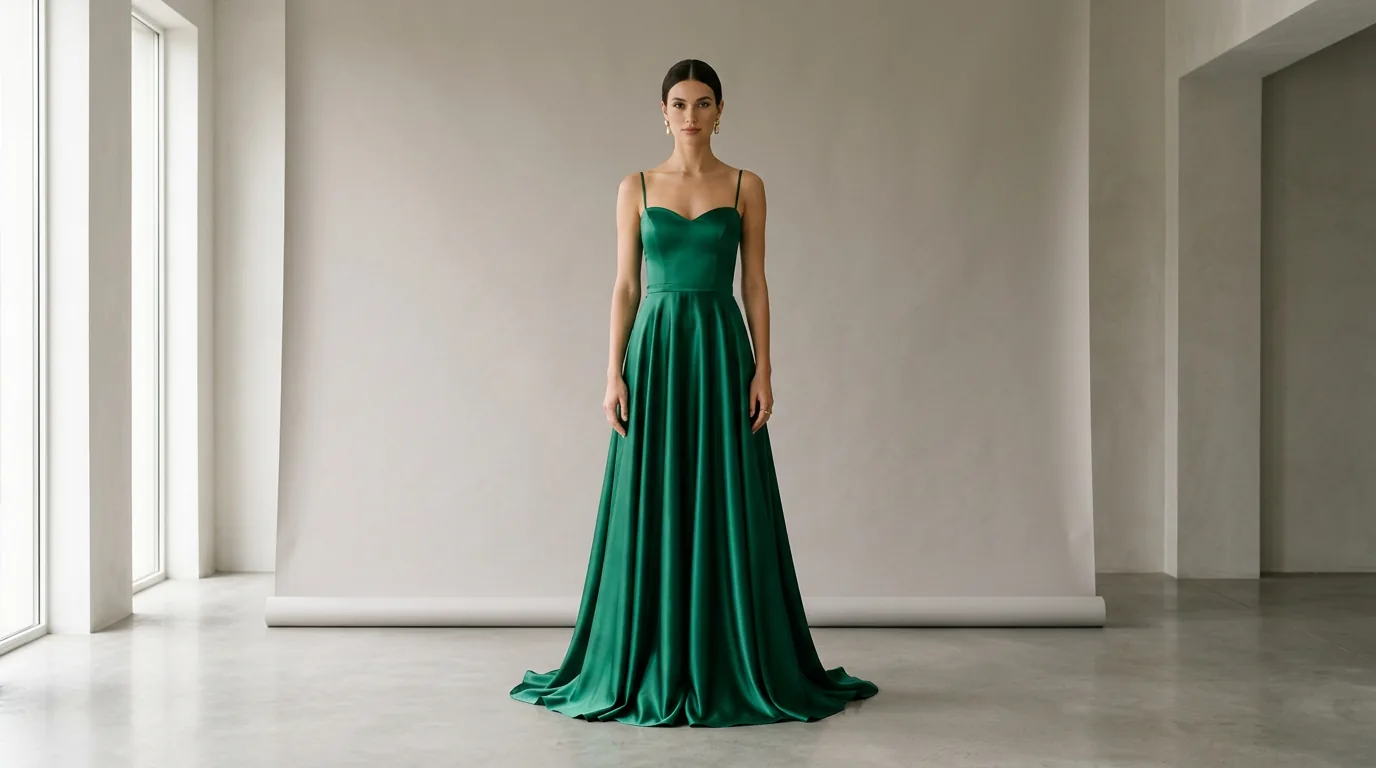
young woman standing on a lit dance floor, full-length prom dress, fitted bodice with sweetheart neckline, deep emerald satin with a glossy finish, flowing A-line skirt, string lights behind her, warm evening light, editorial fashion photography, full body
Homecoming
teenage girl standing on stone steps, short homecoming dress in champagne sequin, straight silhouette ending above the knee, two thin symmetrical straps, late afternoon sun, candid street style photography, full body
Bridesmaid
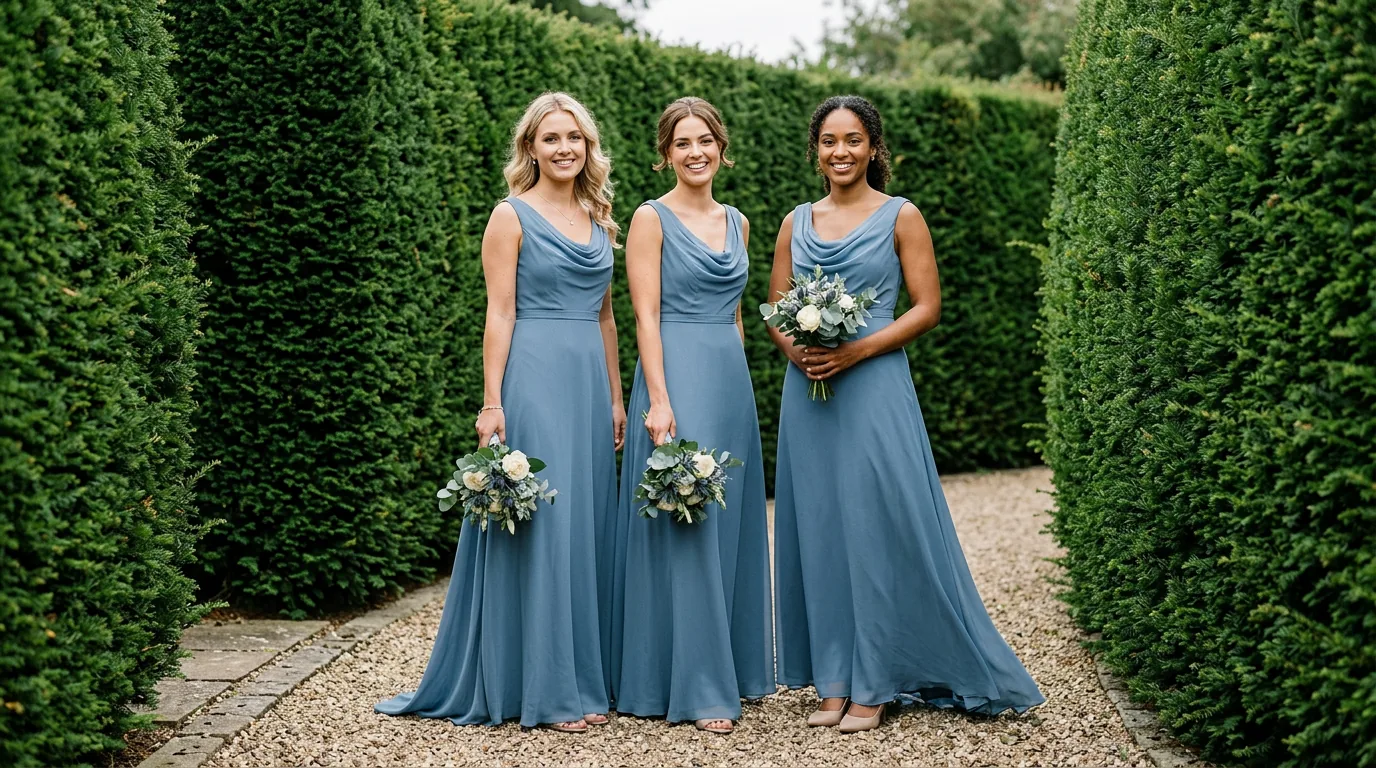
three bridesmaids standing side by side, matching floor-length dresses in dusty blue chiffon with a soft drape, A-line skirts, cowl necklines, garden hedge behind them, overcast daylight, natural wedding photography, full body
Quinceañera
young woman on a marble staircase, ball gown with a fitted corset bodice and boning seams, full blush pink tulle skirt, off-the-shoulder sleeves, warm chandelier light, formal portrait photography, full body
Church or a funeral
woman standing in a quiet church aisle, modest black crepe midi dress, long sleeves, high neckline, straight silhouette with a cinched waist, soft window light from the side, restrained documentary photography, full body
Job interview
woman standing in an office lobby holding a leather folder, navy wool sheath dress at knee length, fitted silhouette, boat neckline, short sleeves, cool daylight, corporate portrait photography, three-quarter body
Baby shower
pregnant woman standing beside a table of pastel flowers, sage green ribbed knit midi dress, bump-skimming fitted silhouette, short sleeves, bright diffused daylight, lifestyle photography, full body
Graduation
woman holding a graduation cap on a campus lawn, white linen-blend mini dress, crisp structured A-line, square neckline, puff sleeves, midday sun, candid photography, full body
New Year's Eve
woman in a dim hotel bar, floor-length bias-cut slip dress in liquid black satin, thin straps, subtle train pooling at her feet, single warm lamp, editorial fashion photography, full body
One aesthetic per prompt. Stacking "balletcore quiet luxury Y2K editorial" produces mush. Pick one, and if you want a different mood, change the photography style rather than adding a fourth adjective.
Wording for the body you actually have
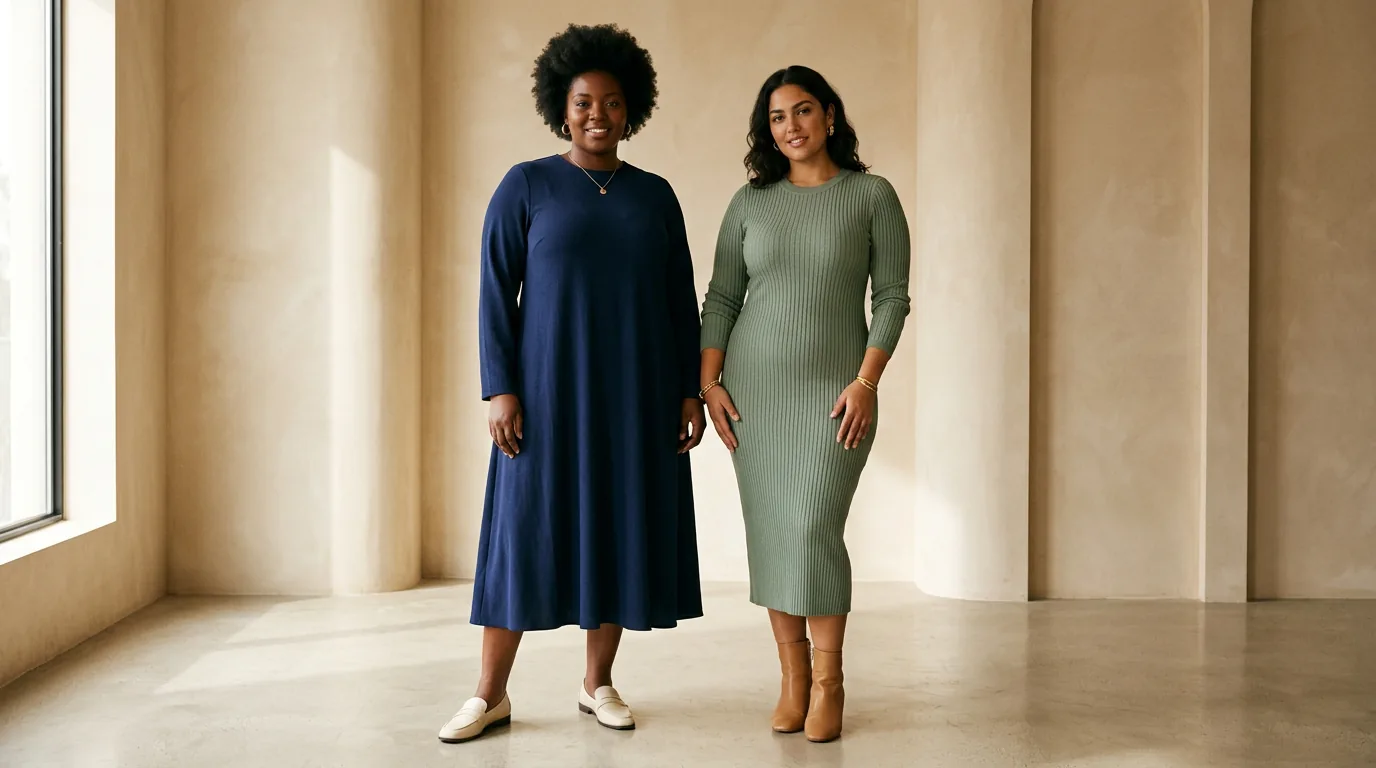
Left alone, image models default to a tall slim woman in her twenties. If that is not who you are dressing, say so early — in the subject clause, before the garment.
- Plus-size:
plus-size woman, full bust and hips, size 18, dress fitted through the waist and skimming the hip - Mid-size:
mid-size woman with a soft waist, size 12 - Petite:
petite woman about 5 foot 2, hem ending mid-calf, straps set narrow on the shoulder - Tall:
tall woman with long legs, floor-length hem just brushing the shoe - Over 50:
woman in her fifties, silver hair, natural laugh lines, relaxed posture - Skin tone:
deep brown skin,warm olive skin,medium tan skin— state it, or you get the default
For modest coverage, describe the coverage as measurements rather than as a vibe. "Modest" alone is vague; this is not:
woman standing, floor-length A-line dress in navy crepe, long sleeves to the wrist, neckline at the collarbone, opaque lining, no slit, studio photography on a soft grey backdrop, full body
The words opaque lining and no slit do real work. Sheer fabric is genuinely hard for these models to render, so separate the translucent outer layer from the slip underneath — and the same logic saves a modest dress from coming back semi-transparent.
Putting a dress on a photo you already have
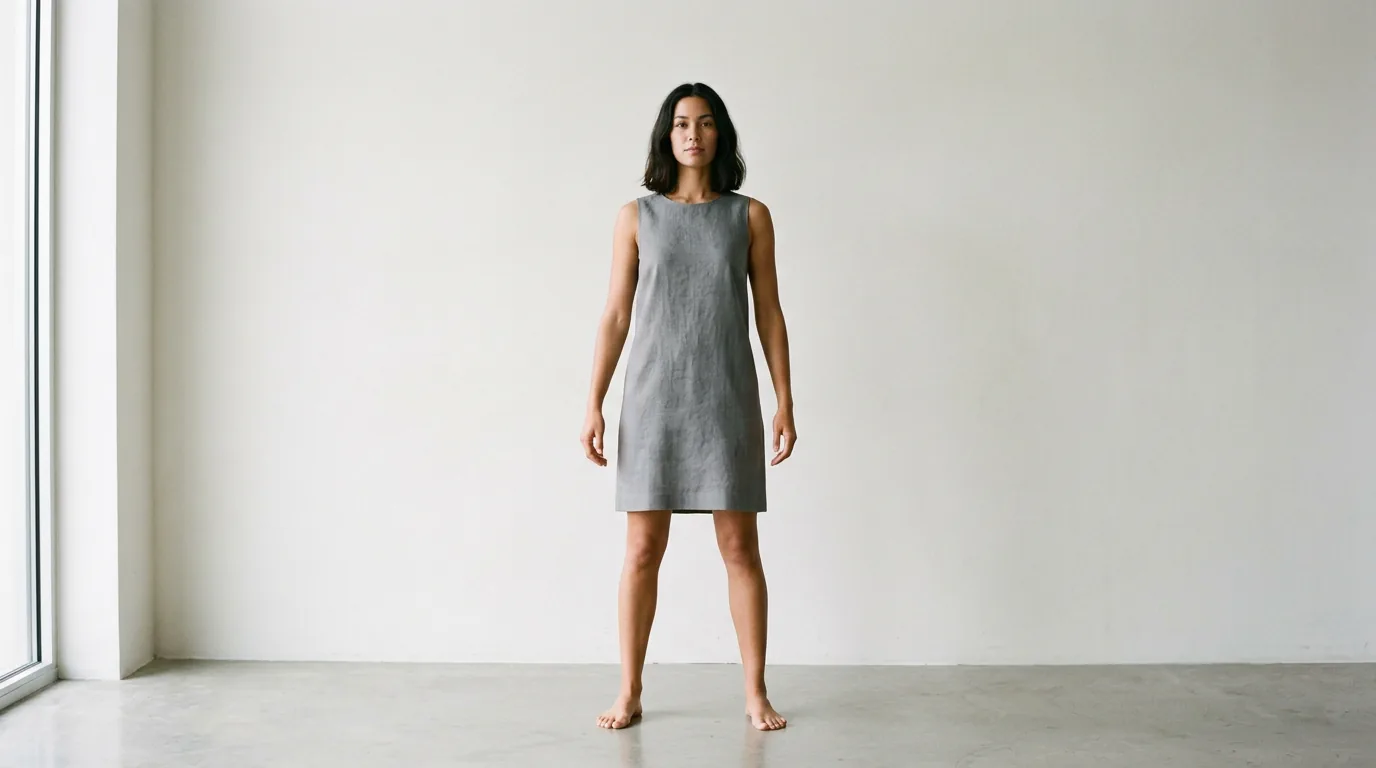
Text-to-image invents a person. If you want the dress on your photo, or the same model across six looks, use the reference upload instead. On freegen.app the Image Prompt field accepts an uploaded photo, and the prompt then describes the change rather than the whole scene.
Upload a full-length photo, plain background, arms away from the body, then write:
same woman, same face, same pose, same background, now wearing a floor-length A-line dress in dusty rose chiffon with a soft drape, V neckline, cap sleeves, natural daylight, full body
Repeating same face, same pose, same background is the part people skip. Without it the model rewrites the whole frame.
For a lookbook, keep that block fixed and change only the dress clause each time. Six runs, one model, six looks that read as a set.
One honest limit: this is a transformation, not a virtual fitting room. The garment will fit the body plausibly, not accurately, so it will not tell you whether a real size 10 zips up.
Framing and size, decided before you generate
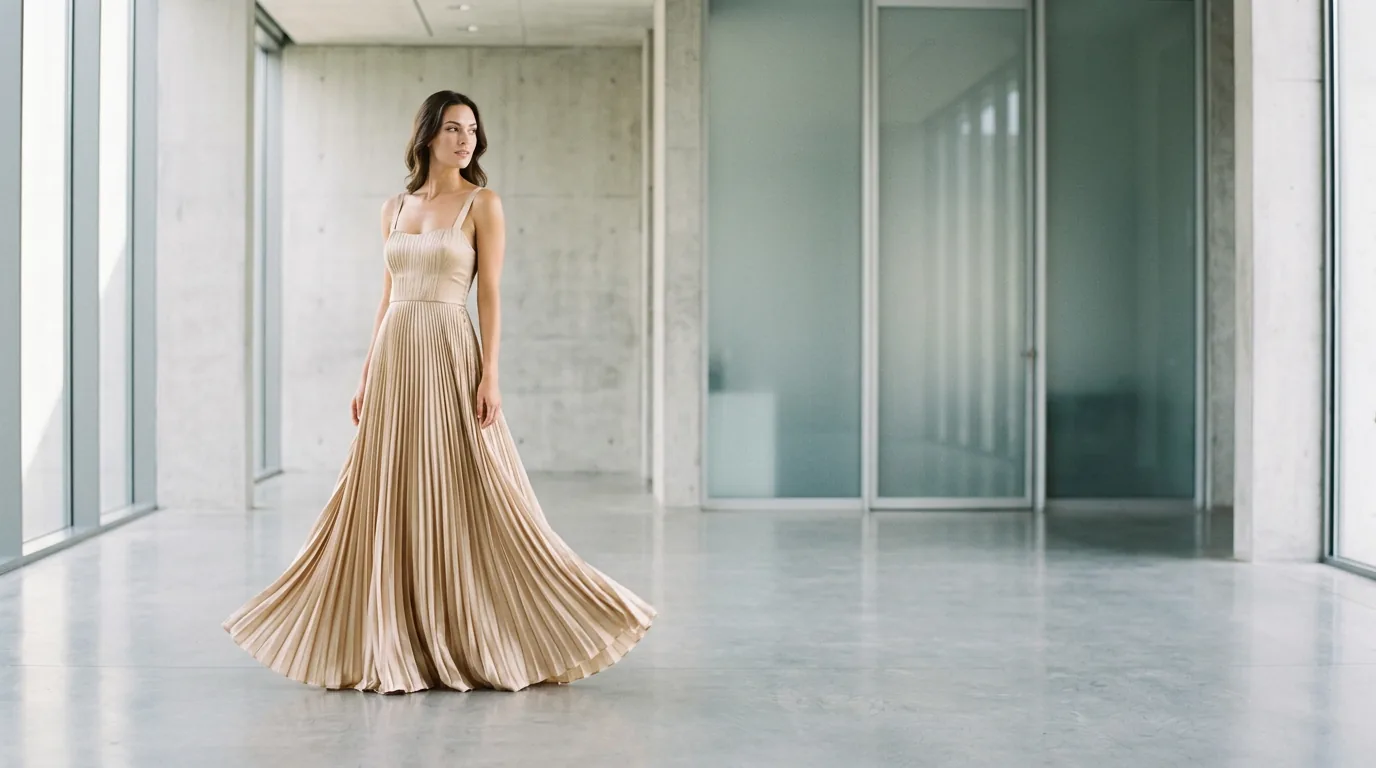
A full-length dress in a square frame loses either the hem or the head. Pick the ratio first. freegen.app offers five — 1:1, 4:3, 3:4, 16:9 and 9:16 — and for dresses the choice is almost mechanical:
- 9:16 — full-length gown, floor to head, with room for the train. Also the one to use for a phone wallpaper or a Reels cover.
- 3:4 — three-quarter body, waist detail visible, head not cramped. The safest default for a dress.
- 1:1 — Instagram grid, Pinterest tile, listing thumbnail, or a tight close-up of fabric texture and a neckline.
- 4:3 — a seated pose or a wider scene where the setting matters.
- 16:9 — lookbook header, blog banner, a wide interior with the figure small in frame.
Output is 1024×768 pixels. That is right for social posts, mood boards and web headers. It is not enough for a poster or a print, and it is thin for a product listing that wants a zoomable image — for those, generate at the ratio you want and then run the file through the free AI image upscaler that freegen.app links from its home page.
One framing tip worth more than any keyword: write full body or three-quarter body into the prompt itself. The ratio controls the canvas; the prompt controls the crop. Here the ratio is a click rather than a code, and the sentence you type is what gets read.
When it comes out wrong
Dress prompts fail in a small number of predictable ways. Each has a wording fix.
Melted or duplicated straps. Count them and say so: two thin spaghetti straps, symmetrical, set evenly on the shoulders. If it keeps failing, go strapless or one-shoulder — fewer straps, fewer chances to smear.
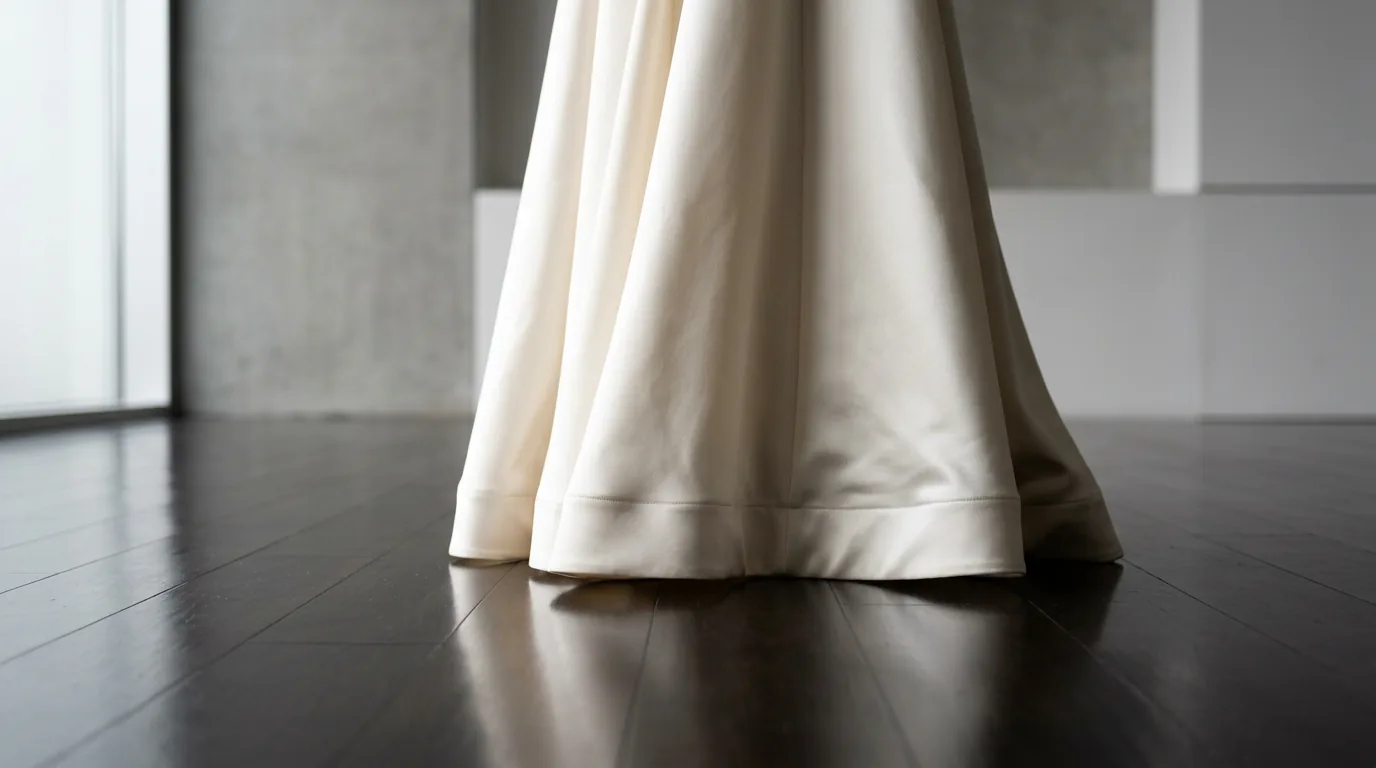
A hem that fuses into the floor. Give the model a contrast edge: pale ivory hem against a dark polished floor, hem clearly separated from the ground. A plain studio backdrop fixes this faster than any other change.
Mangled hands at the waist. Hands near fabric are the single worst case. Move them or lose them: hands relaxed at her sides, one hand resting on the hip, fingers together, or hands out of frame with a three-quarter crop.
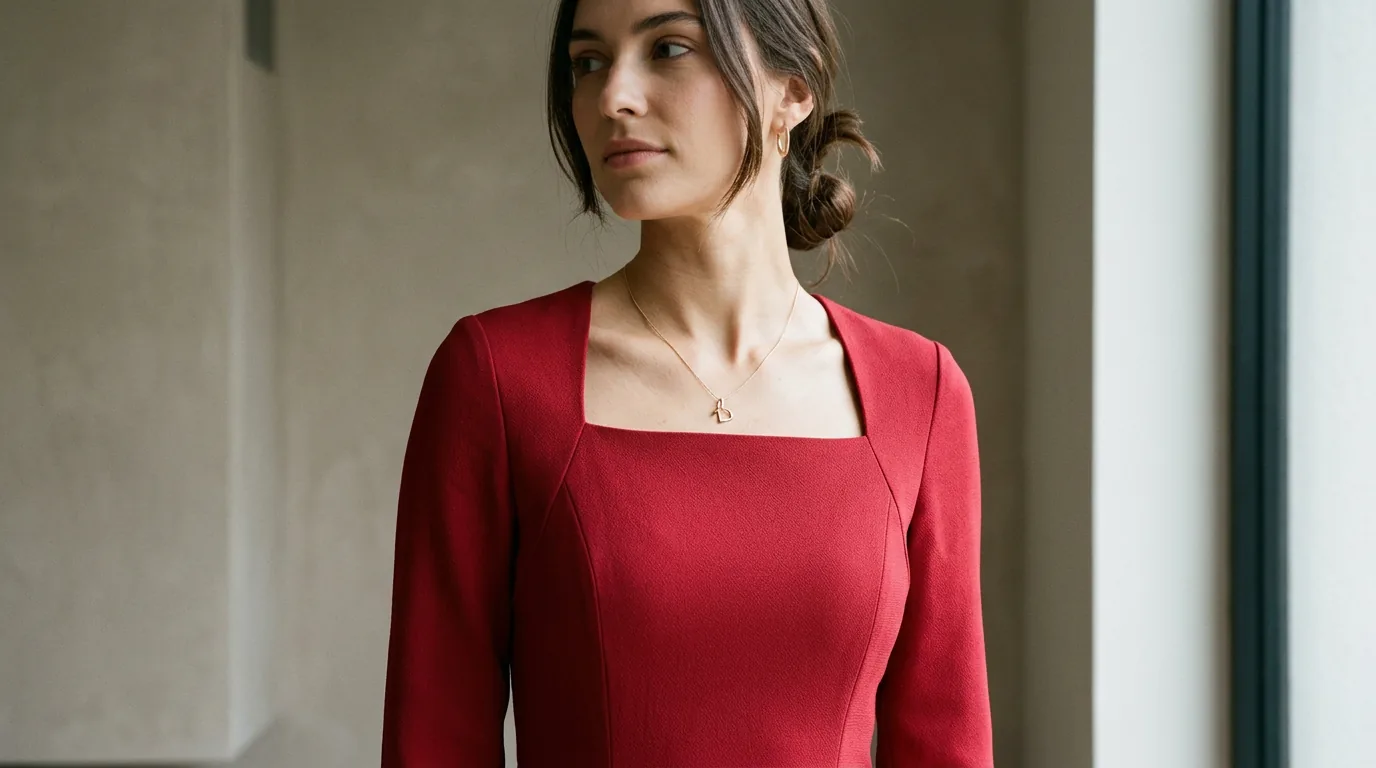
An ignored neckline. The neckline is probably too far back in the prompt, or competing with five other details. Move it into the first garment clause and delete one other detail: fitted dress with a square neckline in ivory satin beats a sentence carrying a neckline, a slit, beading, sleeves and a train at once.
Text or logos on the fabric. Ask for the absence in positive terms: plain unbranded fabric, no text, no logos, no visible labels. There is no separate negative-prompt box here, so the exclusion lives in the prompt sentence.
Wrong fabric texture. Almost always a missing behaviour cue: glossy finish for satin, soft drape for chiffon, matte with a dry hand for crepe, stiff and structured for tulle.
For a sense of what these settings return before you write your own, the examples gallery on freegen.app shows sample images from the generator.
Getting the same dress twice
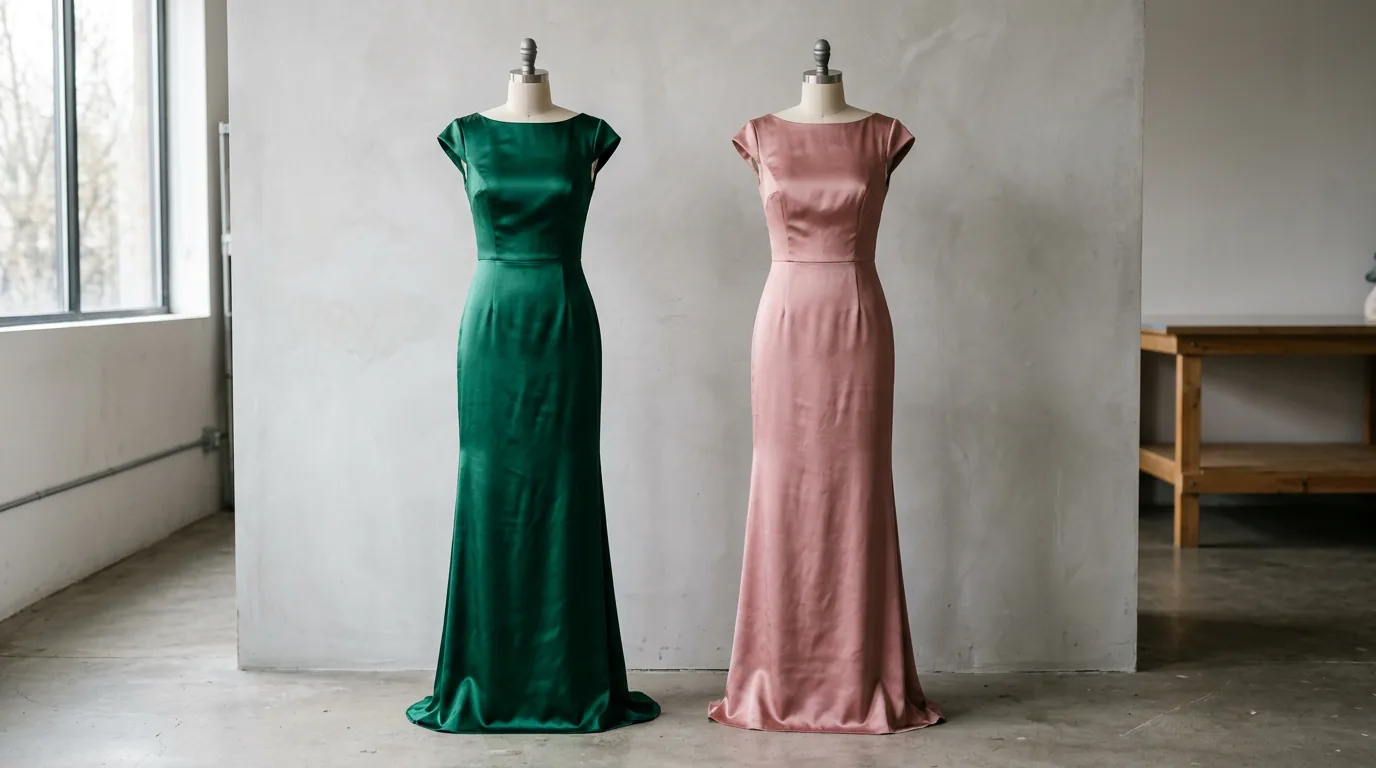
Colourways, a back view, the same gown in a different room — this is where most people lose the design and never get it back.
The discipline is boring and it works: keep the prompt identical character for character, and change exactly one clause.
...floor-length column dress in deep emerald silk satin...
...floor-length column dress in dusty rose silk satin...
For views, change only the camera clause: photographed from behind, showing the open back and the zip line, or side profile, showing the slit and the hem length. For a new setting, change only the location and lighting.
There is no seed control here, so two runs of the same prompt will not be pixel-identical. When you need the design locked tighter than wording allows, download the best result and feed that image back in as the reference, then change one attribute. The first output becomes the anchor for the rest of the set.
What you can do with the result
freegen.app states that generated images may be used for personal and commercial projects. So a blog header, a Pinterest pin, an ad mockup or a mood board for a client is fine.
Three cautions that are about judgement rather than the tool. Do not use a generated image as the photo of a garment a buyer is paying for — if the picture is illustrative, a listing should say so, and a customer who receives a dress that does not match an AI render has a fair complaint. Do not prompt a named designer, a house name or a brand logo; you are asking the model to imitate a trademark, and the output is not yours to sell. And do not prompt a real celebrity's likeness, especially not wearing something they never wore.
Generic occasion wording — prom gown, bridesmaid dress, sheath dress — carries none of those problems.
Frequently asked questions
Can you give me an AI dress prompt for a girl?
Use this and swap the colour: young woman standing still, arms relaxed, floor-length A-line dress in blush pink chiffon with a soft drape, V neckline, cap sleeves, plain studio backdrop, soft even light, editorial fashion photography, full body. Set the ratio to 9:16 so the whole hem fits. Change one clause per run rather than rewriting the sentence.
What is the hot colour for prom 2026?
No verified trend data sits behind this article, so treat any single answer as a guess. A better use of five minutes: run one prompt eight times, changing only the colour-and-fabric clause — deep emerald satin, liquid silver lamé, butter yellow crepe, wine velvet — and pick from the images.
What is prom for a girl?
Prom is the formal end-of-year dance at a US high school, usually for juniors and seniors, and the dress is typically floor-length. That is why the prompts above pair full-length with prom dress and use a 9:16 frame — a short hem reads as homecoming instead.
Can I run these prompts without signing up?
Yes. You paste the prompt, pick a ratio and download the file. It runs the Z-Image Turbo model and typically returns an image in under ten seconds.
Do longer prompts really produce better dresses?
Up to a point. A working prompt covers six things: subject, silhouette, colour with fabric, one or two details, lighting, and photography style. Cover those and stop — a fourth adjective on the dress does less than changing the photography style.
How do I keep the same face across several dresses?
Upload one photo as the reference image and write same woman, same face, same pose in every prompt, changing only the dress clause. Keep the background clause fixed too, or the frame gets rewritten around the new garment.
The image is too small for my product listing. What now?
Generation output is 1024×768. Choose the ratio that matches the final placement first, then enlarge the downloaded file with the free AI image upscaler linked from the freegen.app home page. Enlarging does not add detail the prompt never produced, so fix the prompt before you upscale.
How do I get a modest dress without the model ignoring it?
State coverage as specifics in the first garment clause: long sleeves to the wrist, neckline at the collarbone, hem below the knee, opaque lining, no slit. Drop competing details such as cut-outs or sheer panels from the same prompt, and keep one aesthetic.
Final thoughts
Copy one prompt from this page, run it on freegen.app, change a single clause, and run it again. By the third generation you will be writing better prompts than anything on this page.